Power Supply คืออะไร — แหล่งจ่ายไฟคอมพิวเตอร์และ

Power Supply Unit (PSU) คืออะไร

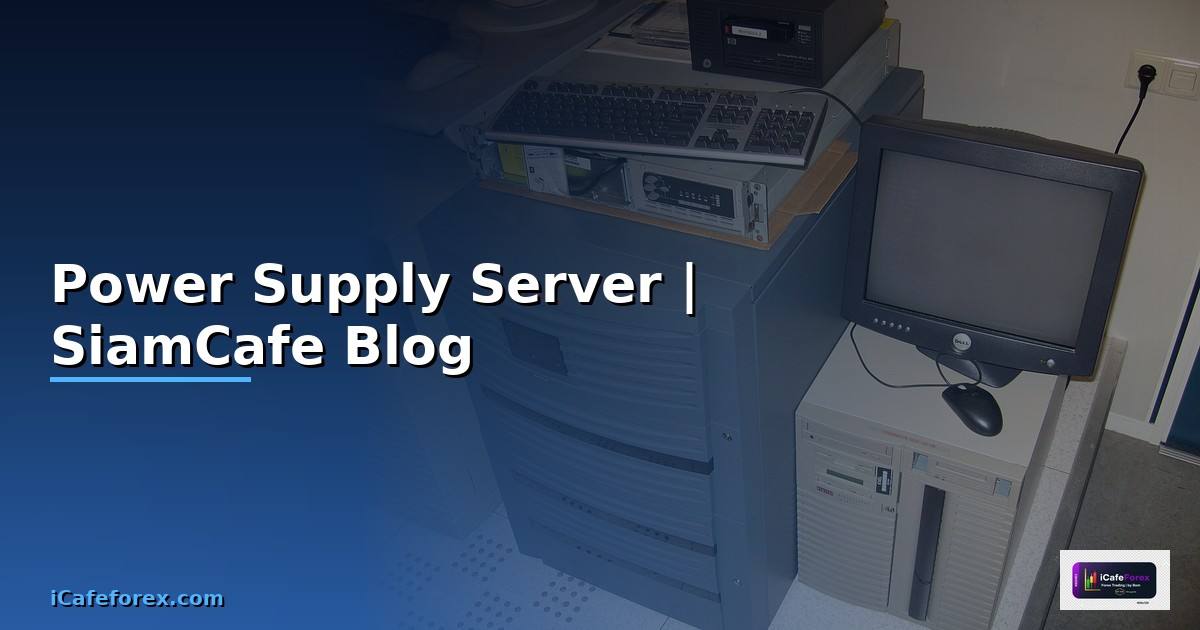
Power Supply Unit (PSU) หรือแหล่งจ่ายไฟ เป็นอุปกรณ์ที่แปลงไฟฟ้ากระแสสลับ (AC) จากเต้าเสียบเป็นไฟฟ้ากระแสตรง (DC) ที่คอมพิวเตอร์ใช้งาน PSU จ่ายแรงดันไฟหลายระดับ ได้แก่ +3.3V สำหรับ RAM และ chipset, +5V สำหรับ USB และ peripherals, +12V สำหรับ CPU, GPU และ drives, -12V สำหรับ legacy devices และ +5V Standby สำหรับ wake-on-LAN
PSU เป็นอุปกรณ์สำคัญที่สุดตัวหนึ่งในคอมพิวเตอร์ PSU คุณภาพต่ำอาจทำให้ระบบ crash, data corruption, component damage หรือในกรณีร้ายแรงอาจเกิดไฟไหม้ การเลือก PSU ที่ดีช่วยให้ระบบเสถียร อายุการใช้งานยาวนาน ประหยัดไฟ และลดเสียงรบกวน
มาตรฐาน 80 PLUS Certification วัด efficiency ของ PSU ได้แก่ 80 PLUS (80% efficiency), 80 PLUS Bronze (82-85%), 80 PLUS Silver (85-88%), 80 PLUS Gold (87-90%), 80 PLUS Platinum (89-92%) และ 80 PLUS Titanium (90-94%) efficiency สูงหมายถึงสูญเสียพลังงานเป็นความร้อนน้อยกว่า ประหยัดค่าไฟมากกว่า
สำหรับ Server และ Data Center PSU ยิ่งสำคัญมากขึ้น ต้องการ redundant PSU (N+1), hot-swappable, high efficiency (Platinum/Titanium) และ remote monitoring ผ่าน IPMI/BMC
ประเภทของ Power Supply และวิธีเลือก
ประเภท PSU และแนวทางเลือกซื้อ
# === Power Supply Types and Selection Guide ===

# 1. Form Factors
# ===================================
# ATX     — Standard desktop, 150x86x140mm
# SFX     — Small Form Factor, 125x63.5x100mm
# SFX-L   — Extended SFX, 125x63.5x130mm
# TFX     — Thin Form Factor, slimline cases
# Server  — Redundant, hot-swap, various sizes

# 2. Modular Types
# ===================================
# Non-modular  — ทุกสายติดตายกับ PSU (ถูกที่สุด)
# Semi-modular — สาย 24-pin และ CPU ติดตาย สายอื่นถอดได้
# Full-modular — ทุกสายถอดได้ (สะอาด จัดสายง่าย)

# 3. Efficiency Rating vs Annual Cost Savings
# ===================================
# ตัวอย่าง: ระบบใช้ไฟ 500W, ไฟฟ้า 5 THB/kWh, ใช้งาน 24/7
#
# Rating      Efficiency  AC Draw   Annual Cost
# 80 PLUS     80%         625W      27,375 THB
# Bronze      85%         588W      25,756 THB
# Gold        90%         556W      24,354 THB
# Platinum    92%         543W      23,784 THB
# Titanium    94%         532W      23,302 THB
#
# Gold vs Bronze saves ~1,400 THB/year per server
# For 10 servers = 14,000 THB/year savings

# 4. Selection Criteria
# ===================================
# Desktop Gaming PC:
#   - 650W-850W for mid-range GPU
#   - 850W-1000W for high-end GPU (RTX 4090)
#   - 80 PLUS Gold minimum
#   - Fully modular preferred
#
# Workstation (ML/AI):
#   - 1000W-1600W for multi-GPU
#   - 80 PLUS Platinum
#   - Multiple 12V rails or single strong rail
#
# Server:
#   - Redundant PSU (1+1 or 2+1)
#   - 80 PLUS Platinum/Titanium
#   - Hot-swappable
#   - IPMI/BMC monitoring
#   - 80% load = sweet spot for efficiency

# 5. Connector Types (ATX 3.0 / PCIe 5.0)
# ===================================
# 24-pin ATX          — Motherboard main power
# 8-pin EPS (4+4)     — CPU power (1-2 connectors)
# 16-pin 12VHPWR      — New GPU connector (up to 600W)
# 8-pin PCIe (6+2)    — Legacy GPU power
# SATA power           — Storage drives
# Molex 4-pin          — Legacy peripherals

# 6. Brand Recommendations (2024-2026)
# ===================================
# Tier A (Best): Corsair RMx/HXi, Seasonic Prime, be quiet! Dark Power
# Tier B (Great): EVGA SuperNOVA, Corsair RM, Seasonic Focus
# Tier C (Good):  Thermaltake Toughpower, FSP Hydro
# Avoid: Unknown brands, no certification, very cheap units

echo "PSU selection guide complete"
คำนวณ Wattage ที่ต้องการ
เครื่องมือคำนวณ PSU Wattage
ตรวจสอบและ Monitor PSU ด้วย Software
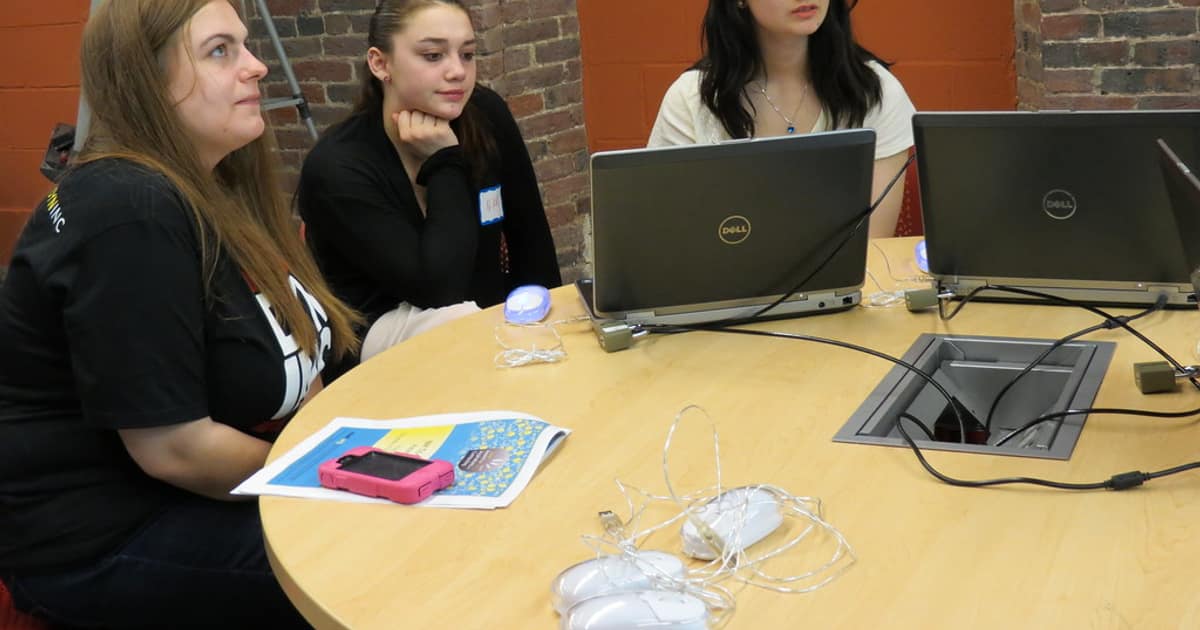
เครื่องมือ monitoring power consumption
UPS และ Power Protection สำหรับ Server
ระบบป้องกันไฟฟ้าสำหรับ server infrastructure
#!/bin/bash
# ups_setup.sh — UPS Configuration with NUT
set -euo pipefail

# === ติดตั้ง Network UPS Tools (NUT) ===
sudo apt update
sudo apt install -y nut nut-client nut-server

# === ตั้งค่า UPS Driver ===
# /etc/nut/ups.conf
cat << 'CONF' | sudo tee /etc/nut/ups.conf
[myups]
    driver = usbhid-ups
    port = auto
    desc = "APC Smart-UPS 1500"
    pollinterval = 5
CONF

# === ตั้งค่า NUT Daemon ===
# /etc/nut/upsd.conf
cat << 'CONF' | sudo tee /etc/nut/upsd.conf
LISTEN 0.0.0.0 3493
MAXAGE 15
CONF

# === ตั้งค่า Users ===
# /etc/nut/upsd.users
cat << 'CONF' | sudo tee /etc/nut/upsd.users
[admin]
    password = ups_admin_pass
    actions = SET
    instcmds = ALL

[monitor]
    password = ups_monitor_pass
    upsmon master
CONF

# === ตั้งค่า UPS Monitor ===
# /etc/nut/upsmon.conf
cat << 'CONF' | sudo tee /etc/nut/upsmon.conf
MONITOR myups@localhost 1 monitor ups_monitor_pass master
MINSUPPLIES 1
SHUTDOWNCMD "/sbin/shutdown -h +0"
NOTIFYCMD /usr/sbin/upssched
POLLFREQ 5
POLLFREQALERT 3
HOSTSYNC 15
DEADTIME 15

NOTIFYMSG ONLINE    "UPS %s is on line power"
NOTIFYMSG ONBATT    "UPS %s is on battery!"
NOTIFYMSG LOWBATT   "UPS %s battery is low!"
NOTIFYMSG FSD       "UPS %s: forced shutdown in progress"
NOTIFYMSG SHUTDOWN  "Auto logout and shutdown proceeding"

NOTIFYFLAG ONLINE   SYSLOG+EXEC
NOTIFYFLAG ONBATT   SYSLOG+EXEC
NOTIFYFLAG LOWBATT  SYSLOG+EXEC
NOTIFYFLAG FSD      SYSLOG+EXEC

RBWARNTIME 43200
NOCOMMWARNTIME 300
FINALDELAY 5
CONF

# === ตั้งค่า NUT Mode ===
echo 'MODE=standalone' | sudo tee /etc/nut/nut.conf

# === Start Services ===
sudo systemctl enable nut-server nut-client nut-monitor
sudo systemctl start nut-server nut-client nut-monitor

# === ตรวจสอบ UPS Status ===
upsc myups@localhost
# Output:
# battery.charge: 100
# battery.runtime: 1800
# input.voltage: 220.0
# output.voltage: 220.0
# ups.load: 35
# ups.status: OL (Online)

# === Monitor Script ===
cat << 'SCRIPT' | sudo tee /usr/local/bin/ups_alert.sh
#!/bin/bash
EVENT=$1
MESSAGE=$2

case $EVENT in
    ONBATT)
        # Send alert via Slack/Email
        curl -X POST "$SLACK_WEBHOOK" \
            -d "{\"text\":\"⚠️ UPS on battery! $MESSAGE\"}"
        ;;
    LOWBATT)
        curl -X POST "$SLACK_WEBHOOK" \
            -d "{\"text\":\"🔴 UPS LOW BATTERY! Shutdown imminent. $MESSAGE\"}"
        ;;
    ONLINE)
        curl -X POST "$SLACK_WEBHOOK" \
            -d "{\"text\":\"✅ UPS back on line power. $MESSAGE\"}"
        ;;
esac
SCRIPT
sudo chmod +x /usr/local/bin/ups_alert.sh

echo "UPS configuration complete"
Power Management สำหรับ Data Center
จัดการพลังงานสำหรับ server infrastructure
FAQ คำถามที่พบบ่อย
Q: PSU Watt มากเกินไปเปลืองไฟไหม?
A: ไม่เปลืองไฟ PSU จ่ายไฟตามที่ระบบต้องการ ถ้าระบบใช้ 400W PSU 850W ก็จ่ายแค่ 400W แต่ efficiency จะต่ำกว่าเมื่อ load ต่ำมาก (ต่ำกว่า 20% ของ rated wattage) PSU ทำงาน efficient ที่สุดที่ 40-60% load ดังนั้น PSU ควรมี headroom 20-30% แต่ไม่ต้องใหญ่เกินไป (เช่น ใช้ 300W ซื้อ PSU 1600W ไม่จำเป็น)
Q: 80 PLUS Gold คุ้มค่าไหมเทียบกับ Bronze?
A: คุ้มค่าสำหรับระบบที่เปิด 24/7 เช่น servers, workstations Gold ประหยัดไฟกว่า Bronze ประมาณ 3-5% สำหรับ server 500W เปิด 24/7 ประหยัดได้ประมาณ 100-150 THB/เดือน หรือ 1,200-1,800 THB/ปี PSU Gold มักมีคุณภาพชิ้นส่วนดีกว่าด้วย อายุการใช้งานยาวกว่า สำหรับ PC ที่ใช้แค่วันละ 4-6 ชั่วโมง ผลต่างน้อยมาก Bronze เพียงพอ
Q: UPS ต้องมี capacity เท่าไหร?
A: คำนวณจาก total load (watts) * runtime ที่ต้องการ (minutes) UPS capacity วัดเป็น VA (Volt-Ampere) คูณ power factor 0.6-0.9 ได้ watts สำหรับ server ทั่วไป 500W ต้อง UPS ประมาณ 750-1000VA เพื่อ runtime 5-10 นาที (พอสำหรับ graceful shutdown) สำหรับ home lab แนะนำ 1500VA สำหรับ rack servers แนะนำ 3000VA+ แบบ rack-mount
Q: Redundant PSU จำเป็นไหมสำหรับ Home Lab?
A: ไม่จำเป็นสำหรับ home lab ทั่วไป Redundant PSU (N+1) สำคัญสำหรับ production servers ที่ต้องการ uptime สูง ถ้า PSU ตัวหนึ่งเสีย ตัวที่เหลือรับ load ได้เลย สำหรับ home lab ที่ downtime ชั่วคราวรับได้ ใช้ PSU คุณภาพดีตัวเดียว + UPS เพียงพอ ถ้าใช้ server มือสองที่มี redundant PSU อยู่แล้วก็ใส่ทั้งสองตัวไม่เสียหาย