BigQuery Scheduled Query Scaling Strategy วิธี
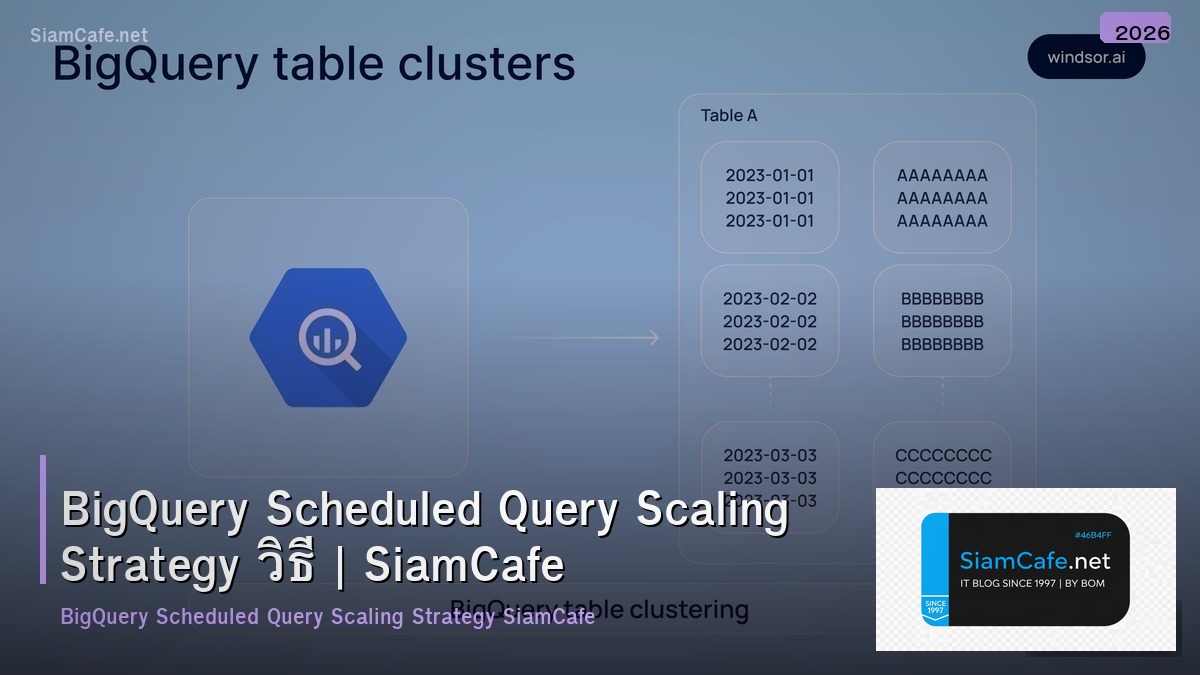

BigQuery Scaling

BigQuery Scheduled Query Scaling Slot Reservation Partitioning Clustering Materialized Views BI Engine Cost Control ETL Pipeline Google Cloud Data Warehouse
| Edition | Slot Price | Features | เหมาะกับ |
|---|---|---|---|
| On-demand | $6.25/TB scanned | Pay per query | Ad-hoc queries |
| Standard | $0.04/slot-hour | Baseline slots | Small teams |
| Enterprise | $0.06/slot-hour | Autoscaling, CMEK | Medium orgs |
| Enterprise Plus | $0.10/slot-hour | Multi-region, BI Engine | Enterprise |
Scheduled Query Setup
=== BigQuery Scheduled Query ===
SQL — Scheduled Query Example
CREATE OR REPLACE TABLE `project.dataset.daily_summary`
PARTITION BY DATE(event_date)
CLUSTER BY user_id, event_type
AS
SELECT
DATE(timestamp) AS event_date,
user_id,
event_type,
COUNT(*) AS event_count,
SUM(revenue) AS total_revenue,
AVG(session_duration) AS avg_duration
FROM `project.dataset.raw_events`
WHERE DATE(timestamp) = @run_date
GROUP BY 1, 2, 3;
bq CLI — Create Scheduled Query
bq mk --transfer_config \
--target_dataset=analytics \
--display_name="Daily Summary" \
--schedule="every 24 hours" \
--params='{
"query": "SELECT ... WHERE date = @run_date",
"destination_table_name_template": "daily_summary_{run_date}",
"write_disposition": "WRITE_TRUNCATE"
}' \--data_source=scheduled_query
Python — google-cloud-bigquery
from google.cloud import bigquery
from google.cloud import bigquery_datatransfer
client = bigquery_datatransfer.DataTransferServiceClient()
parent = f"projects/{project_id}/locations/us"
transfer_config = bigquery_datatransfer.TransferConfig(
destination_dataset_id="analytics",
display_name="Hourly Aggregation",
data_source_id="scheduled_query",
params={
"query": query_string,
"write_disposition": "WRITE_APPEND",
},
schedule="every 1 hours",
)
response = client.create_transfer_config(parent=parent, transfer_config=transfer_config)
from dataclasses import dataclass
@dataclass
class ScheduledQuery:
name: str
schedule: str
scan_tb: float
cost_per_run: float
destination: str
status: str
queries = [
ScheduledQuery("Daily Revenue Summary", "Every day 02:00", 2.5, 15.63, "revenue_daily", "Active"),
ScheduledQuery("Hourly User Events", "Every 1 hour", 0.5, 3.13, "events_hourly", "Active"),
ScheduledQuery("Weekly Cohort Analysis", "Every Monday 06:00", 8.0, 50.00, "cohort_weekly", "Active"),
ScheduledQuery("Monthly Report", "1st day 04:00", 25.0, 156.25, "report_monthly", "Active"),
ScheduledQuery("Real-time Dashboard", "Every 15 min", 0.1, 0.63, "dashboard_rt", "Active"),
]
monthly_cost = 0
runs = {"Every day 02:00": 30, "Every 1 hour": 720, "Every Monday 06:00": 4, "1st day 04:00": 1, "Every 15 min": 2880}
runs_per_month = runs.get(q.schedule, 30)
cost = q.cost_per_run * runs_per_month
monthly_cost += cost
Optimization Techniques
=== Query Optimization ===
1. Partitioning
CREATE TABLE `project.dataset.events`
PARTITION BY DATE(timestamp)
CLUSTER BY user_id, event_type
AS SELECT * FROM `project.dataset.raw_events`;
-- Query with partition filter (scans only 1 partition)
SELECT * FROM `project.dataset.events`
WHERE DATE(timestamp) = '2024-02-20'
AND user_id = 'user_123';
2. Materialized Views
CREATE MATERIALIZED VIEW `project.dataset.mv_daily_revenue`
PARTITION BY event_date
CLUSTER BY country
AS
SELECT
DATE(timestamp) AS event_date,
country,
SUM(revenue) AS total_revenue,
COUNT(DISTINCT user_id) AS unique_users
FROM `project.dataset.events`
GROUP BY 1, 2;
3. BI Engine Reservation
bq update --bi_reservation --reservation_size=1GB project:US
@dataclass
class OptResult:
technique: str
before_scan: str
after_scan: str
savings_pct: float
implementation: str
optimizations = [
OptResult("Partitioning (Date)", "500 GB", "17 GB", 96.6, "PARTITION BY DATE(ts)"),
OptResult("Clustering (user_id)", "17 GB", "8.5 GB", 50.0, "CLUSTER BY user_id"),
OptResult("SELECT specific cols", "8.5 GB", "2.1 GB", 75.3, "ไม่ SELECT *"),
OptResult("Materialized View", "2.1 GB", "0 GB (cached)", 100, "CREATE MATERIALIZED VIEW"),
OptResult("BI Engine", "N/A", "Sub-second", 0, "BI Engine Reservation"),
]
Cost Management
# === Cost Control ===


# Slot Reservation vs On-demand

# On-demand: $6.25/TB — ดีถ้า Query น้อย

# Slots: $0.04-0.10/slot-hour — ดีถ้า Query เยอะ

# Break-even: ~100 slots = ~$70/day = ~11 TB/day scanned


# Cost Control Settings

# 1. Custom Quota — จำกัด TB scanned ต่อวัน

# bq update --max_bytes_billed=1099511627776 project  # 1TB limit

#

# 2. Budget Alert

# gcloud billing budgets create \

#   --billing-account=BILLING_ACCOUNT_ID \

#   --display-name="BigQuery Monthly" \

#   --budget-amount=1000 \

#   --threshold-rules=percent=0.5 \

#   --threshold-rules=percent=0.8 \

#   --threshold-rules=percent=1.0


cost_breakdown = {

    "Scheduled Queries (On-demand)": "$2,100/mo",

    "Interactive Queries": "$800/mo",

    "Storage (Active)": "$400/mo (20TB x $20/TB)",

    "Storage (Long-term)": "$200/mo (20TB x $10/TB)",

    "Streaming Inserts": "$150/mo",

    "BI Engine": "$200/mo (10GB reservation)",

    "Data Transfer": "$50/mo",

}


print("BigQuery Cost Breakdown:")

total = 0

for item, cost in cost_breakdown.items():

    amount = float(cost.split("/")[0].replace("$", "").replace(",", ""))

    total += amount

    print(f"  {item}: {cost}")

print(f"\n  Total: /mo")


# Savings Strategies

strategies = [

    "Partition ทุก Table ตาม Date ลด Scan 90%+",

    "Cluster ตาม Column ที่ Filter บ่อย ลดอีก 50%",

    "Materialized Views สำหรับ Dashboard Query",

    "Slot Reservation ถ้า Scan > 10TB/day",

    "Long-term Storage อัตโนมัติ ถูกกว่า 50%",

    "Budget Alert ตั้งที่ 80% ของงบ",

    "INFORMATION_SCHEMA.JOBS วิเคราะห์ Query แพง",

]


print(f"\n\nSavings Strategies:")

for i, s in enumerate(strategies, 1):

    print(f"  {i}. {s}")
เคล็ดลับ
- Partition: Partition ทุก Table ตาม Date เสมอ
- Cluster: Cluster ตาม Column ที่ใช้ใน WHERE บ่อย
- MV: ใช้ Materialized Views สำหรับ Dashboard
- Budget: ตั้ง Budget Alert ป้องกันค่าใช้จ่ายบานปลาย
- Monitor: ดู INFORMATION_SCHEMA.JOBS หา Query แพง
BigQuery Scheduled Query คืออะไร
ตั้งเวลา SQL อัตโนมัติ ทุกชั่วโมง วัน สัปดาห์ ETL Pipeline Report Aggregate Parameter @run_date Destination Table Data Transfer