it

WordPress WooCommerce Observability Stack —

WooCommerce Observability
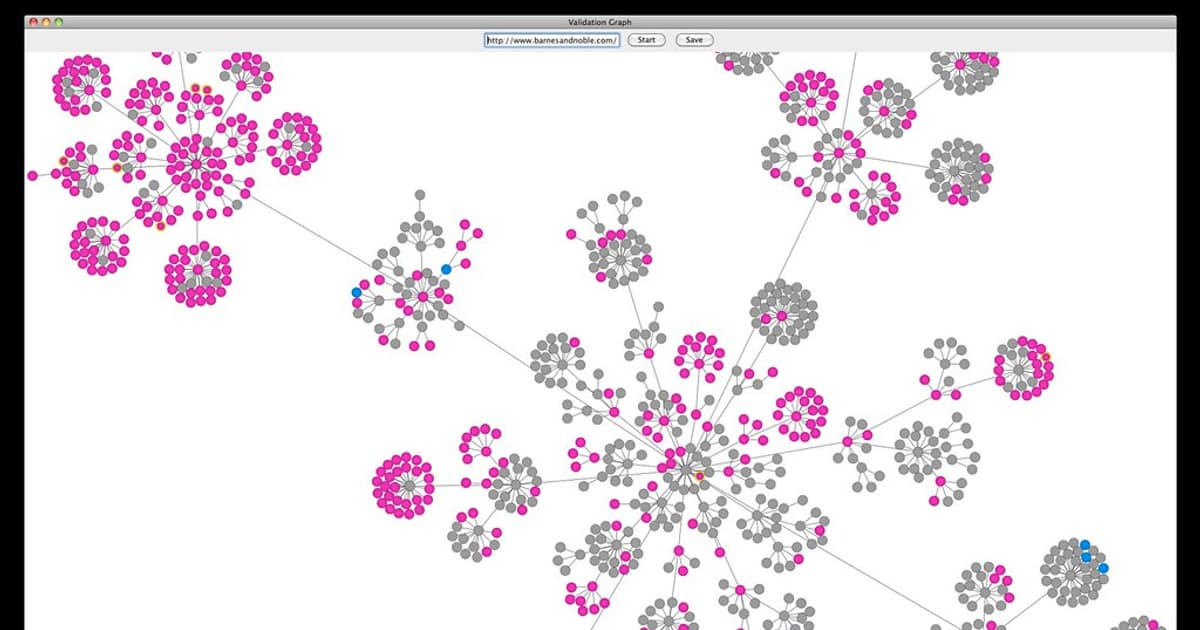
WordPress WooCommerce Observability Monitoring Logging Performance Alerting Core Web Vitals Revenue Order Checkout
| Layer | What to Monitor | Tool | Alert |
|---|---|---|---|
| Uptime | HTTP Status, Response Time | UptimeRobot / BetterUptime | Down → Immediate |
| Performance | TTFB, LCP, FID, CLS | PageSpeed / New Relic | LCP > 2.5s → Warning |
| Server | CPU, RAM, Disk, PHP-FPM | Grafana + node_exporter | CPU > 80% → Warning |
| Database | Slow Query, Connections | Query Monitor / PMM | Slow Query > 1s → Warning |
| WooCommerce | Orders, Revenue, Cart | WC Analytics / Custom | Order drop > 50% → Critical |
| Security | Login Attempt, File Change | Wordfence / WP Activity Log | Brute Force → Block + Alert |
Monitoring Setup
# === WooCommerce Monitoring with WP-CLI & Custom Script ===

# WP-CLI Commands for monitoring
# wp plugin list --status=active --format=json    # Active plugins
# wp plugin list --update=available --format=json  # Plugins need update
# wp core version                                  # WordPress version
# wp core check-update                            # Check WP update
# wp wc order list --status=processing --format=json  # Pending orders
# wp db query "SELECT COUNT(*) FROM wp_posts WHERE post_type='product' AND post_status='publish'"
# wp db query "SHOW FULL PROCESSLIST"             # Active DB connections
# wp cron event list                              # Scheduled cron events

# PHP-FPM Status monitoring
# curl http://localhost/status?json
# {
#   "pool": "www",
#   "accepted conn": 12345,
#   "active processes": 5,
#   "idle processes": 15,
#   "max active processes": 20,
#   "slow requests": 3
# }

from dataclasses import dataclass

@dataclass
class MonitorCheck:
    check: str
    command: str
    threshold: str
    frequency: str
    alert: str

checks = [
    MonitorCheck("Site Uptime",
        "curl -o /dev/null -s -w '%{http_code}' https://shop.example.com",
        "HTTP 200 = OK, อื่น = Down",
        "ทุก 1 นาที",
        "Down → SMS + Slack ทันที"),
    MonitorCheck("Page Load Time",
        "curl -o /dev/null -s -w '%{time_total}' https://shop.example.com",
        "< 2s = Good, > 3s = Slow, > 5s = Critical",
        "ทุก 5 นาที",
        "> 3s → Warning, > 5s → Critical"),
    MonitorCheck("PHP-FPM Active",
        "curl http://localhost/status?json | jq .active_processes",
        "< 80% of max = Good",
        "ทุก 1 นาที",
        "> 90% max → Scale up / Optimize"),
    MonitorCheck("MySQL Slow Queries",
        "wp db query 'SHOW GLOBAL STATUS LIKE \"Slow_queries\"'",
        "< 10/hour = Good",
        "ทุก 15 นาที",
        "> 50/hour → Optimize Queries"),
    MonitorCheck("WooCommerce Orders",
        "wp wc order list --after=today --format=count",
        "Compare with yesterday same time",
        "ทุกชั่วโมง",
        "Drop > 50% → Investigate"),
    MonitorCheck("Disk Usage",
        "df -h /var/www | awk 'NR==2{print $5}'",
        "< 80% = Good",
        "ทุก 15 นาที",
        "> 85% → Warning, > 95% → Critical"),
]

print("=== Monitor Checks ===")
for c in checks:
    print(f"  [{c.check}] Freq: {c.frequency}")
    print(f"    Command: {c.command}")
    print(f"    Threshold: {c.threshold}")
    print(f"    Alert: {c.alert}")
เคล็ดลับ
- Cache: ใช้ Page Cache + Object Cache + CDN ครบ 3 ชั้น
- Query Monitor: ติดตั้ง Query Monitor Plugin ดู Slow Query ใน Development
- Uptime: ตั้ง Uptime Monitor ตรวจทุกนาที แจ้ง SMS ทันที
- Revenue: Monitor Revenue ทุกชั่วโมง ถ้าลดฮวบ อาจมี Bug
- Update: อัพเดท WordPress Plugin PHP สม่ำเสมอ
WooCommerce Observability คืออะไร
Metrics Performance Logs PHP Error Traces Checkout Payment Alerts Site Down Slow New Relic Grafana Query Monitor WP Activity Log
อ่านเพิ่ม: Monitoring คืออะไร? สอน Observability ตั้งแต่ Prometheus Gra · อ่านเพิ่ม: Prometheus และ Grafana คืออะไร? สอนสร้าง Monitoring Stack สำ · อ่านเพิ่ม: Synology vs QNAP NAS เปรียบเทียบซื้อตัวไหนดี