Responsive Web Design Blog — คู่มือออกแบบเว็บ

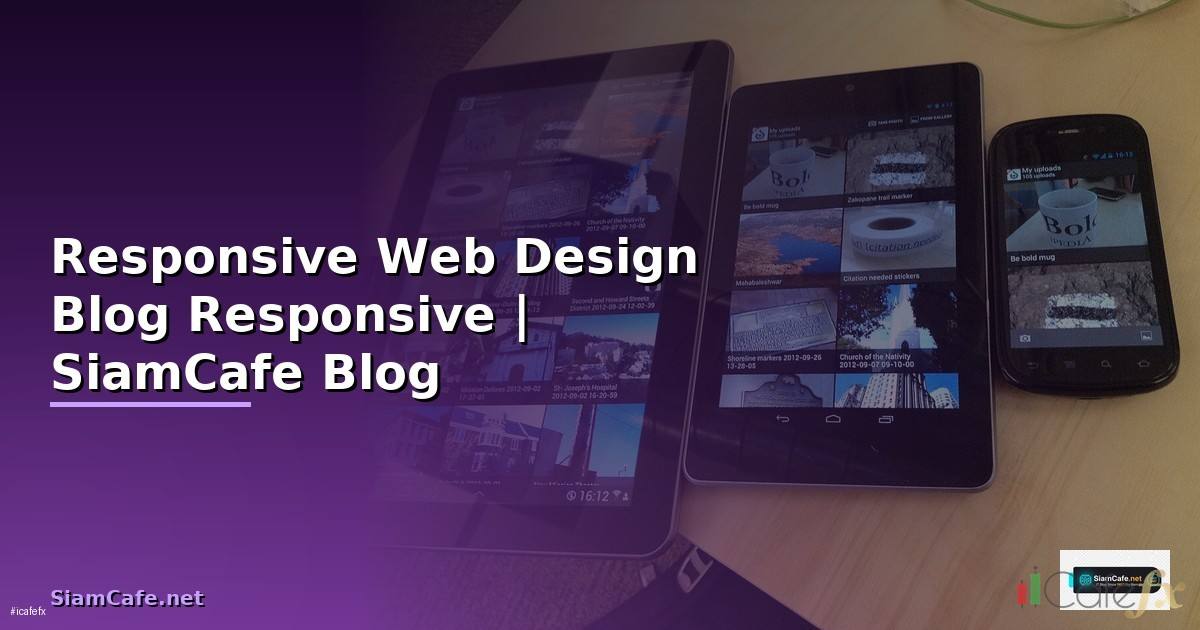
Responsive Web Design

Responsive Web Design Media Queries Flexbox CSS Grid Mobile-first Breakpoints Viewport Performance Testing
| Technique | ใช้ทำอะไร | CSS Property | Browser Support |
|---|---|---|---|
| Media Queries | ปรับ Style ตามขนาดจอ | @media (min-width: ...) | ทุก Browser |
| Flexbox | Layout 1 มิติ | display: flex | ทุก Browser |
| CSS Grid | Layout 2 มิติ | display: grid | ทุก Browser (IE11 partial) |
| Container Queries | ปรับตาม Container Size | @container | Chrome, Safari, Firefox |
| clamp() | Fluid Typography | font-size: clamp() | ทุก Browser |
| aspect-ratio | รักษาสัดส่วน | aspect-ratio: 16/9 | ทุก Browser |
CSS Layout
/* === Responsive Layout === */

/* Mobile-first Approach */
/* Base styles (Mobile) */
.container {
  width: 100%;
  padding: 0 16px;
  margin: 0 auto;
}

.grid {
  display: grid;
  grid-template-columns: 1fr;
  gap: 16px;
}

/* Tablet (768px+) */
@media (min-width: 768px) {
  .container { max-width: 720px; }
  .grid { grid-template-columns: repeat(2, 1fr); }
}

/* Desktop (1024px+) */
@media (min-width: 1024px) {
  .container { max-width: 960px; }
  .grid { grid-template-columns: repeat(3, 1fr); }
}

/* Large Desktop (1280px+) */
@media (min-width: 1280px) {
  .container { max-width: 1200px; }
  .grid { grid-template-columns: repeat(4, 1fr); }
}

/* Flexbox Navigation */
.nav {
  display: flex;
  flex-wrap: wrap;
  justify-content: space-between;
  align-items: center;
  padding: 12px 16px;
}

.nav-links {
  display: none; /* Hidden on mobile */
}

@media (min-width: 768px) {
  .nav-links {
    display: flex;
    gap: 24px;
  }
  .hamburger { display: none; }
}

/* Fluid Typography */
h1 { font-size: clamp(1.5rem, 4vw, 3rem); }
h2 { font-size: clamp(1.25rem, 3vw, 2rem); }
p  { font-size: clamp(1rem, 2vw, 1.125rem); }

/* Responsive Images */
img {
  max-width: 100%;
  height: auto;
  display: block;
}

/* Aspect Ratio */
.video-wrapper {
  aspect-ratio: 16 / 9;
  width: 100%;
}

/* Touch-friendly */
button, a {
  min-height: 44px;
  min-width: 44px;
  padding: 12px 24px;
}
Modern Techniques
/* === Modern Responsive CSS === */

/* Container Queries */
.card-container {
  container-type: inline-size;
  container-name: card;
}

@container card (min-width: 400px) {
  .card {
    display: flex;
    flex-direction: row;
  }
  .card-image { width: 40%; }
  .card-content { width: 60%; }
}

@container card (max-width: 399px) {
  .card {
    display: flex;
    flex-direction: column;
  }
  .card-image { width: 100%; }
}

/* CSS Grid Auto-fit */
.auto-grid {
  display: grid;
  grid-template-columns: repeat(auto-fit, minmax(250px, 1fr));
  gap: 24px;
}

/* Subgrid */
.parent-grid {
  display: grid;
  grid-template-columns: repeat(3, 1fr);
  gap: 16px;
}
.child-grid {
  display: grid;
  grid-template-columns: subgrid;
  grid-column: span 3;
}

/* :has() selector for responsive */
.sidebar:has(~ .main-content) {
  width: 300px;
}

/* Logical Properties (RTL support) */
.card {
  margin-inline: auto;
  padding-block: 16px;
  padding-inline: 24px;
  border-inline-start: 4px solid blue;
}
Performance
/* === Performance Optimization === */

/* Responsive Images with srcset */
/* <img
  srcset="image-320w.jpg 320w,
          image-768w.jpg 768w,
          image-1200w.jpg 1200w"
  sizes="(max-width: 320px) 280px,
         (max-width: 768px) 720px,
         1200px"
  src="image-1200w.jpg"
  alt="Description"
  loading="lazy"
  decoding="async"
/> */

/* <picture> for art direction */
/* <picture>
  <source media="(max-width: 767px)" srcset="mobile.webp" type="image/webp">
  <source media="(min-width: 768px)" srcset="desktop.webp" type="image/webp">
  <img src="fallback.jpg" alt="Description">
</picture> */

/* Preload critical CSS */
/* <link rel="preload" href="critical.css" as="style"> */

/* Font optimization */
/* @font-face {
  font-family: 'MyFont';
  src: url('font.woff2') format('woff2');
  font-display: swap;
} */

/* Reduce layout shift */
img, video {
  width: 100%;
  height: auto;
  aspect-ratio: attr(width) / attr(height);
}

/* Content-visibility for off-screen */
.below-fold {
  content-visibility: auto;
  contain-intrinsic-size: 0 500px;
}
เคล็ดลับ
- Mobile-first: ออกแบบ Mobile ก่อน ใช้ min-width Media Queries ขยายขึ้น
- clamp(): ใช้ clamp() สำหรับ Font Size ปรับตามจออัตโนมัติ
- auto-fit: ใช้ grid auto-fit minmax() ไม่ต้องเขียน Media Query
- Touch: ปุ่ม Link ต้องใหญ่อย่างน้อย 44x44px สำหรับ Mobile
- Test: ทดสอบบน Device จริง ไม่ใช่แค่ DevTools Emulator
การนำความรู้ไปประยุกต์ใช้งานจริง
แหล่งเรียนรู้ที่แนะนำ ได้แก่ Official Documentation ที่อัพเดทล่าสุดเสมอ Online Course จาก Coursera Udemy edX ช่อง YouTube คุณภาพทั้งไทยและอังกฤษ และ Community อย่าง Discord Reddit Stack Overflow ที่ช่วยแลกเปลี่ยนประสบการณ์กับนักพัฒนาทั่วโลก
เปรียบเทียบข้อดีและข้อเสีย
จากตารางเปรียบเทียบจะเห็นว่าข้อดีมีมากกว่าข้อเสียอย่างชัดเจน โดยเฉพาะในแง่ของประสิทธิภาพและความสามารถในการ Scale สำหรับข้อเสียส่วนใหญ่สามารถแก้ไขได้ด้วยการเรียนรู้อย่างเป็นระบบและวางแผนทรัพยากรให้เหมาะสม
Responsive Web Design คืออะไร
ออกแบบเว็บทุกขนาดจอ Desktop Tablet Mobile Media Queries Flexible Grid Images Viewport Mobile-first Flexbox CSS Grid rem Breakpoints
Media Queries ใช้อย่างไร
@media min-width Mobile-first max-width Desktop-first Breakpoints sm 640 md 768 lg 1024 xl 1280 Tailwind CSS and รวมเงื่อนไข Tablet
Flexbox vs Grid ต่างกันอย่างไร
Flexbox 1 มิติ Navigation Card Row Grid 2 มิติ Page Layout Dashboard Column Row gap ใช้ร่วมกัน Grid Layout หลัก Flexbox Component ย่อย
ทดสอบ Responsive อย่างไร
Chrome DevTools Device Toolbar Firefox BrowserStack Sauce Labs Device จริง iOS Android Lighthouse Mobile-Friendly Test Touch Target 44px Font 16px
สรุป
Responsive Web Design Media Queries Flexbox CSS Grid Mobile-first clamp() auto-fit Container Queries Performance Testing Touch-friendly