Pulumi IaC Automation Script — สร้าง Infrastructure ด้วย Python
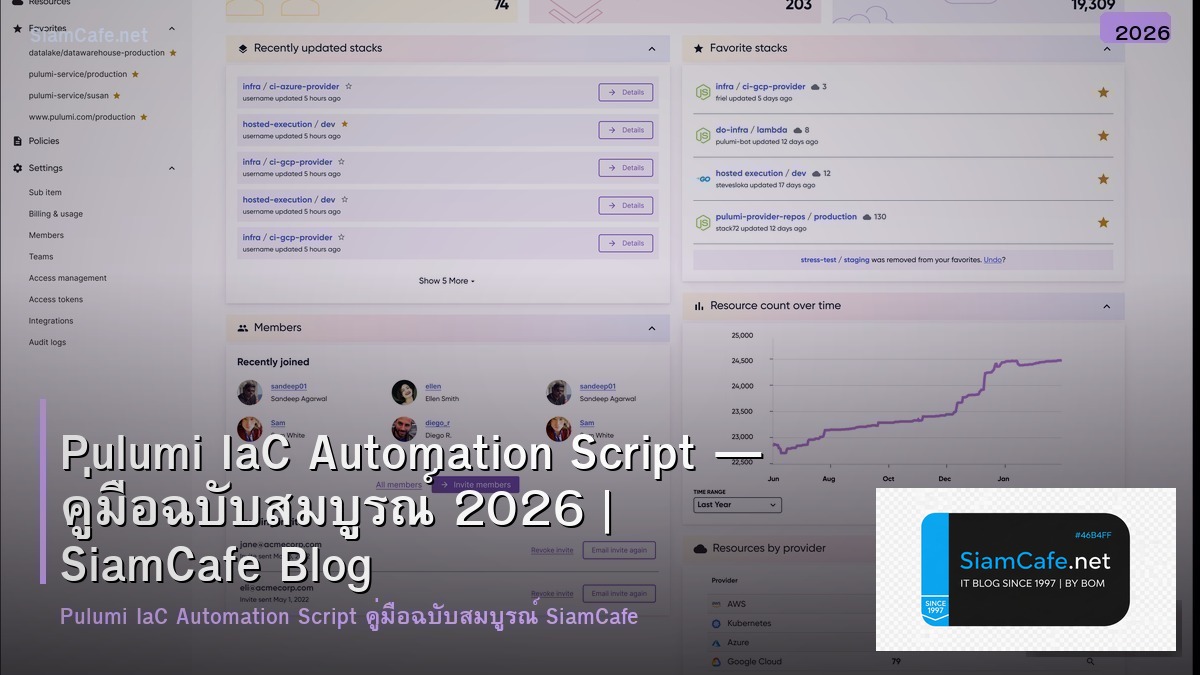
Pulumi คืออะไรและต่างจาก Terraform อย่างไร
Pulumi เป็น Infrastructure as Code (IaC) platform ที่ให้เขียน infrastructure ด้วยภาษาโปรแกรมทั่วไป เช่น Python, TypeScript, Go, C# แทนที่จะใช้ domain-specific language (DSL) เหมือน Terraform HCL ทำให้ใช้ loops, conditions, functions, classes และ packages ที่คุ้นเคยได้เลย
ข้อดีของ Pulumi เทียบกับ Terraform ได้แก่ ใช้ภาษาโปรแกรมจริง (ไม่ต้องเรียน HCL), IDE support ดีเยี่ยม (autocomplete, type checking, refactoring), reusable components ด้วย classes และ packages, testing ด้วย testing frameworks ปกติ (pytest, jest), Automation API สำหรับ embed IaC ใน applications และ state management ผ่าน Pulumi Cloud หรือ self-hosted backends
Pulumi รองรับ cloud providers หลักทุกตัว ได้แก่ AWS, Azure, Google Cloud, Kubernetes, Docker, DigitalOcean และอีกมากมาย สามารถ import existing resources จาก Terraform state หรือ cloud provider ได้
Automation Scripts ใน Pulumi context หมายถึงการใช้ Pulumi Automation API เพื่อสร้าง infrastructure programmatically โดยไม่ต้องใช้ CLI ใช้สำหรับ self-service platforms, custom deployment tools, integration testing และ dynamic infrastructure provisioning
ติดตั้ง Pulumi และเริ่มต้นใช้งาน
วิธีติดตั้งและสร้าง project แรก
# === ติดตั้ง Pulumi ===

# Linux/macOS
curl -fsSL https://get.pulumi.com | sh

# Windows (PowerShell)
# iwr https://get.pulumi.com/install.ps1 -UseBasicParsing | iex

# Verify
pulumi version

# === Login to Backend ===
# Option 1: Pulumi Cloud (free tier)
pulumi login

# Option 2: Local filesystem
pulumi login --local

# Option 3: S3 backend
pulumi login s3://my-pulumi-state-bucket

# === สร้าง Project ===
mkdir my-infra && cd my-infra
pulumi new python -y --name my-infra --description "Infrastructure automation"

# Project structure:
# my-infra/
# ├── __main__.py # Main infrastructure code
# ├── Pulumi.yaml # Project configuration
# ├── Pulumi.dev.yaml # Stack-specific config
# ├── requirements.txt # Python dependencies
# └── venv/ # Virtual environment

# === ตั้งค่า Cloud Provider ===
# AWS
pip install pulumi-aws
export AWS_ACCESS_KEY_ID=your-key
export AWS_SECRET_ACCESS_KEY=your-secret
pulumi config set aws:region ap-southeast-1

# Google Cloud
pip install pulumi-gcp
export GOOGLE_CREDENTIALS=$(cat service-account.json)
pulumi config set gcp:project my-project
pulumi config set gcp:region asia-southeast1

# Kubernetes
pip install pulumi-kubernetes
export KUBECONFIG=~/.kube/config

# === Stack Management ===
pulumi stack init dev
pulumi stack init staging
pulumi stack init production

# Switch stacks
pulumi stack select dev

# Set secrets
pulumi config set --secret db_password MySecretPass123

# Preview changes
pulumi preview

# Deploy
pulumi up

# Destroy
pulumi destroy

echo "Pulumi setup complete"
สร้าง Infrastructure ด้วย Python
ตัวอย่าง infrastructure code
Automation API สำหรับ Self-Service
ใช้ Automation API สร้าง infrastructure programmatically
Testing Infrastructure Code
ทดสอบ infrastructure code ด้วย pytest
CI/CD Pipeline สำหรับ IaC
Automate deployment ด้วย CI/CD
# === GitHub Actions CI/CD for Pulumi ===

# .github/workflows/pulumi.yml
# name: Pulumi Infrastructure
# on:
# push:
# branches: [main]
# pull_request:
# branches: [main]
#
# env:
# PULUMI_ACCESS_TOKEN: }
# AWS_ACCESS_KEY_ID: }
# AWS_SECRET_ACCESS_KEY: }
#
# jobs:
# preview:
# if: github.event_name == 'pull_request'
# runs-on: ubuntu-latest
# steps:
# - uses: actions/checkout@v4
# - uses: actions/setup-python@v5
# with:
# python-version: '3.11'
#
# - name: Install dependencies
# run: |
# pip install -r requirements.txt
# pip install pytest
#
# - name: Run tests
# run: pytest test_infra.py -v
#
# - uses: pulumi/actions@v5
# with:
# command: preview
# stack-name: dev
# comment-on-pr: true
#
# deploy:
# if: github.ref == 'refs/heads/main'
# runs-on: ubuntu-latest
# steps:
# - uses: actions/checkout@v4
# - uses: actions/setup-python@v5
# with:
# python-version: '3.11'
#
# - run: pip install -r requirements.txt
#
# - uses: pulumi/actions@v5
# with:
# command: up
# stack-name: dev

# === Makefile for Local Development ===
# Makefile

.PHONY: preview deploy destroy test lint

preview:
 pulumi preview --stack dev --diff

deploy:
 pulumi up --stack dev --yes

destroy:
 pulumi destroy --stack dev --yes

test:
 pytest test_infra.py -v

lint:
 ruff check .
 mypy __main__.py

outputs:
 pulumi stack output --json --stack dev

refresh:
 pulumi refresh --stack dev --yes

import-resource:
 pulumi import aws:ec2/instance:Instance my-server i-1234567890abcdef0

# === Multi-Environment Deployment Script ===
#!/bin/bash
# deploy_all.sh

set -euo pipefail

ENVIRONMENTS=("dev" "staging" "production")

for env in ""; do
 echo "=== Deploying to $env ==="

 pulumi stack select "$env"

 # Preview first
 pulumi preview --diff

 if [ "$env" = "production" ]; then
 echo "Production deployment requires manual approval"
 read -p "Continue? (y/n) " -n 1 -r
 echo
 if [[ ! $REPLY =~ ^[Yy]$ ]]; then
 echo "Skipping production"
 continue
 fi
 fi

 pulumi up --yes

 echo "=== $env deployed ==="
 pulumi stack output --json
done

echo "All environments deployed"
FAQ คำถามที่พบบ่อย
Q: Pulumi กับ Terraform ควรเลือกตัวไหน?
A: เลือก Pulumi เมื่อ ทีมเป็น developers ที่คุ้นเคย Python/TypeScript/Go, ต้องการ complex logic ใน infrastructure code (loops, conditions), ต้องการ Automation API สำหรับ self-service platforms, ต้องการ testing ด้วย standard testing frameworks เลือก Terraform เมื่อ ทีมคุ้นเคย HCL อยู่แล้ว, ต้องการ ecosystem modules ขนาดใหญ่, organization มี Terraform expertise และ tooling, ต้องการ stability จาก mature tool
Q: Pulumi state จัดเก็บที่ไหน?
A: มี 3 options หลัก Pulumi Cloud (default) ใช้ง่าย มี UI collaboration features ฟรี สำหรับ individual use S3/GCS/Azure Blob ใช้ cloud storage เป็น backend เหมาะสำหรับ organizations ที่ต้องการ control data location Local filesystem เหมาะสำหรับ development แต่ไม่แนะนำ production เพราะ state อาจหาย สำหรับ production แนะนำ Pulumi Cloud หรือ S3 backend พร้อม encryption
Q: Migrate จาก Terraform มา Pulumi ยากไหม?
A: ไม่ยากมาก Pulumi มี tf2pulumi tool แปลง HCL เป็น Pulumi code อัตโนมัติ และ pulumi import command สำหรับ import existing resources เข้า Pulumi state แนะนำ migrate ทีละ project เริ่มจาก non-critical environments ก่อน ทั้งสอง tools สามารถอยู่ร่วมกันได้ (Pulumi manage บาง resources, Terraform manage บาง resources)
Q: Automation API ใช้ตอนไหน?
A: ใช้เมื่อต้องการ embed infrastructure provisioning ใน application เช่น self-service developer portal ที่ developers สร้าง environments เอง, SaaS platform ที่ provision infrastructure per tenant, integration testing ที่สร้าง/ทำลาย infrastructure อัตโนมัติ, custom CLI tools สำหรับ infrastructure management และ chatops ที่สร้าง infrastructure ผ่าน Slack commands