OWASP ZAP Home Lab Setup — ตั้ง Lab ทดสอบ Security ที่บ้าน
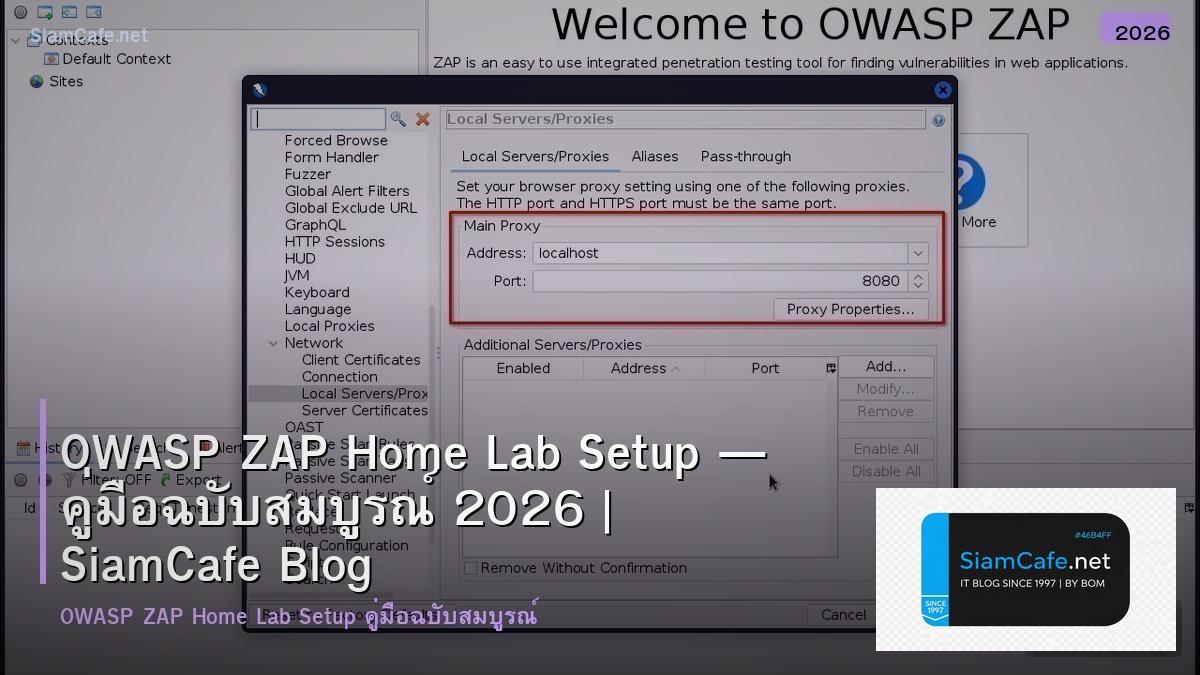
OWASP ZAP Home Lab

OWASP ZAP Home Lab Security Scanner Automated Scanning API Testing CI/CD Vulnerability Analysis OWASP Top 10 SQL Injection XSS CSRF Production
| Scan Type | Duration | Coverage | Use Case | Risk Detection |
|---|---|---|---|---|
| Baseline Scan | 1-2 min | Passive only | Every PR / commit | Low-Medium findings |
| Full Scan | 10-30 min | Active + Passive | Nightly / weekly | All risk levels |
| API Scan | 5-15 min | API endpoints | API changes | API-specific vulns |
| Ajax Spider | 10-20 min | SPA / JavaScript | Frontend changes | Client-side vulns |
| Authenticated Scan | 15-45 min | Behind login | Weekly | Auth-specific vulns |
Lab Setup with Docker
=== Docker Compose Home Lab ===
docker-compose.yml
version: '3.8'
services:
zap:
image: owasp/zap2docker-stable
ports:
- "8080:8080"
- "8090:8090"
command: zap-webswing.sh
networks:
- security-lab
dvwa:
image: vulnerables/web-dvwa
ports:
- "8081:80"
environment:
MYSQL_DATABASE: dvwa
networks:
- security-lab
juice-shop:
image: bkimminich/juice-shop
ports:
- "3000:3000"
networks:
- security-lab
webgoat:
image: webgoat/webgoat
ports:
- "8082:8080"
networks:
- security-lab
networks:
security-lab:
driver: bridge
Start lab
docker-compose up -d
ZAP CLI Quick Scan
docker run -t owasp/zap2docker-stable zap-baseline.py \
-t http://dvwa:80 \
-r report.html
ZAP Full Scan
docker run -t owasp/zap2docker-stable zap-full-scan.py \
-t http://juice-shop:3000 \
-r full-report.html \
-J full-report.json
ZAP API Scan
docker run -t owasp/zap2docker-stable zap-api-scan.py \
-t http://api-server:8000/openapi.json \
-f openapi \
-r api-report.html
from dataclasses import dataclass
@dataclass
class LabTarget:
name: str
image: str
port: int
purpose: str
difficulty: str
targets = [
LabTarget("DVWA", "vulnerables/web-dvwa", 8081,
"Classic vulnerable web app, adjustable difficulty", "Beginner"),
LabTarget("Juice Shop", "bkimminich/juice-shop", 3000,
"Modern OWASP Top 10, CTF challenges", "Beginner-Advanced"),
LabTarget("WebGoat", "webgoat/webgoat", 8082,
"Tutorial-style vulnerability learning", "Beginner"),
LabTarget("Mutillidae", "citizenstig/nowasp", 8083,
"OWASP Top 10 practice", "Intermediate"),
LabTarget("HackTheBox", "Custom VMs", 0,
"Real-world CTF challenges", "Advanced"),
]
Automated Scanning
=== ZAP Automation Framework ===
automation.yaml
env:
contexts:
- name: "My App"
urls: ["http://target:8080"]
authentication:
method: "form"
parameters:
loginUrl: "http://target:8080/login"
loginRequestData: "username={%username%}&password={%password%}"
verification:
method: "response"
loggedInRegex: "\\QWelcome\\E"
users:
- name: "test-user"
credentials:
username: "admin"
password: "password"
jobs:

- type: spider
parameters:
context: "My App"
user: "test-user"
maxDuration: 5
- type: spiderAjax
parameters:
context: "My App"
maxDuration: 5
- type: passiveScan-wait
parameters:
maxDuration: 10
- type: activeScan
parameters:
context: "My App"
user: "test-user"
maxDuration: 30
- type: report
parameters:
template: "traditional-html"
reportDir: "/zap/reports/"
reportFile: "scan-report"
Run automation
docker run -v $(pwd):/zap/wrk/:rw \
owasp/zap2docker-stable \
zap.sh -cmd -autorun /zap/wrk/automation.yaml
@dataclass
class VulnFinding:
risk: str
name: str
cwe: str
count: int
action: str
findings = [
VulnFinding("High", "SQL Injection", "CWE-89", 3,
"Use parameterized queries, input validation"),
VulnFinding("High", "Cross-Site Scripting (XSS)", "CWE-79", 5,
"Output encoding, Content Security Policy"),
VulnFinding("Medium", "Missing Security Headers", "CWE-693", 8,
"Add X-Frame-Options, CSP, HSTS headers"),
VulnFinding("Medium", "CSRF Token Missing", "CWE-352", 2,
"Implement anti-CSRF tokens"),
VulnFinding("Low", "Cookie without HttpOnly", "CWE-1004", 4,
"Set HttpOnly flag on session cookies"),
VulnFinding("Info", "Server Information Disclosure", "CWE-200", 1,
"Remove server version headers"),
]
CI/CD Integration
=== GitHub Actions ZAP Scan ===
.github/workflows/zap-scan.yml
name: OWASP ZAP Security Scan
on:
pull_request:
branches: [main]
schedule:
- cron: '0 2 * * *' # Nightly full scan
jobs:
baseline-scan:
if: github.event_name == 'pull_request'
runs-on: ubuntu-latest
steps:
- uses: actions/checkout@v4
- name: Start application
run: docker-compose up -d app
- name: ZAP Baseline Scan
uses: zaproxy/action-baseline@v0.10.0
with:
target: 'http://localhost:8080'
rules_file_name: '.zap/rules.tsv'
fail_action: 'true'
- uses: actions/upload-artifact@v4
with:
name: zap-baseline-report
path: report_html.html
full-scan:
if: github.event_name == 'schedule'
runs-on: ubuntu-latest
steps:
- uses: actions/checkout@v4
- name: Start application
run: docker-compose up -d app
- name: ZAP Full Scan
uses: zaproxy/action-full-scan@v0.9.0
with:
target: 'http://localhost:8080'
rules_file_name: '.zap/rules.tsv'
- name: Send to Slack
if: failure()
uses: slackapi/slack-github-action@v1
with:
payload: '{"text": "ZAP Full Scan found vulnerabilities!"}'
.zap/rules.tsv — Custom policy
10016 IGNORE (Web Browser XSS Protection Not Enabled)
10017 IGNORE (Cross-Domain JavaScript Source File Inclusion)
10021 WARN (X-Content-Type-Options Header Missing)
40012 FAIL (Cross Site Scripting - Reflected)
40014 FAIL (Cross Site Scripting - Persistent)
40018 FAIL (SQL Injection)
@dataclass
class CIPolicy:
risk: str
pr_action: str
nightly_action: str
sla: str
policies = [
CIPolicy("Critical", "Block merge", "Alert on-call + create P1 ticket", "Fix within 24 hours"),
CIPolicy("High", "Block merge", "Alert team + create P2 ticket", "Fix within 1 week"),
CIPolicy("Medium", "Warning comment", "Create P3 ticket", "Fix within 1 month"),
CIPolicy("Low", "Info only", "Log to dashboard", "Fix in next quarter"),
CIPolicy("Info", "Ignore", "Log to dashboard", "Best effort"),
]
เคล็ดลับ
- Baseline: เริ่มด้วย Baseline Scan ทุก PR เร็วและไม่ Intrusive
- Isolated: รัน Lab ใน Docker Network แยก ไม่ Scan ระบบอื่น
- Auth: ตั้ง Authentication Context สำหรับ Scan หลัง Login
- Policy: กำหนด Rules ว่า Finding ไหน FAIL ไหน WARN ไหน IGNORE
- Legal: Scan เฉพาะระบบที่ได้รับอนุญาต ไม่ Scan ระบบคนอื่น
OWASP ZAP คืออะไร
Open Source Security Scanner OWASP Active Passive Spider Fuzzer SQL Injection XSS CSRF OWASP Top 10 GUI CLI API CI/CD ฟรี
ตั้ง Home Lab อย่างไร
Docker Desktop ZAP DVWA Juice Shop WebGoat Docker Compose Network แยก Browser Proxy 8080 Certificate HTTPS InterceptionAutomated Scan ทำอย่างไร
CLI API zap-baseline.py 1-2 นาที zap-full-scan.py 10-30 นาที zap-api-scan.py OpenAPI Context Authentication Alert Threshold Report HTML JSON
ใช้ใน CI/CD อย่างไร
GitHub Actions GitLab CI Jenkins Docker owasp/zap2docker Baseline PR Full Nightly Report Slack Email Policy FAIL WARN IGNORE
สรุป
OWASP ZAP Home Lab Docker DVWA Juice Shop Automated Scanning Baseline Full API CI/CD GitHub Actions Policy Vulnerability OWASP Top 10 Production Security