Ollama Local LLM Container Orchestration — รัน LLM บนเครื่องด้วย Docker Kubernetes
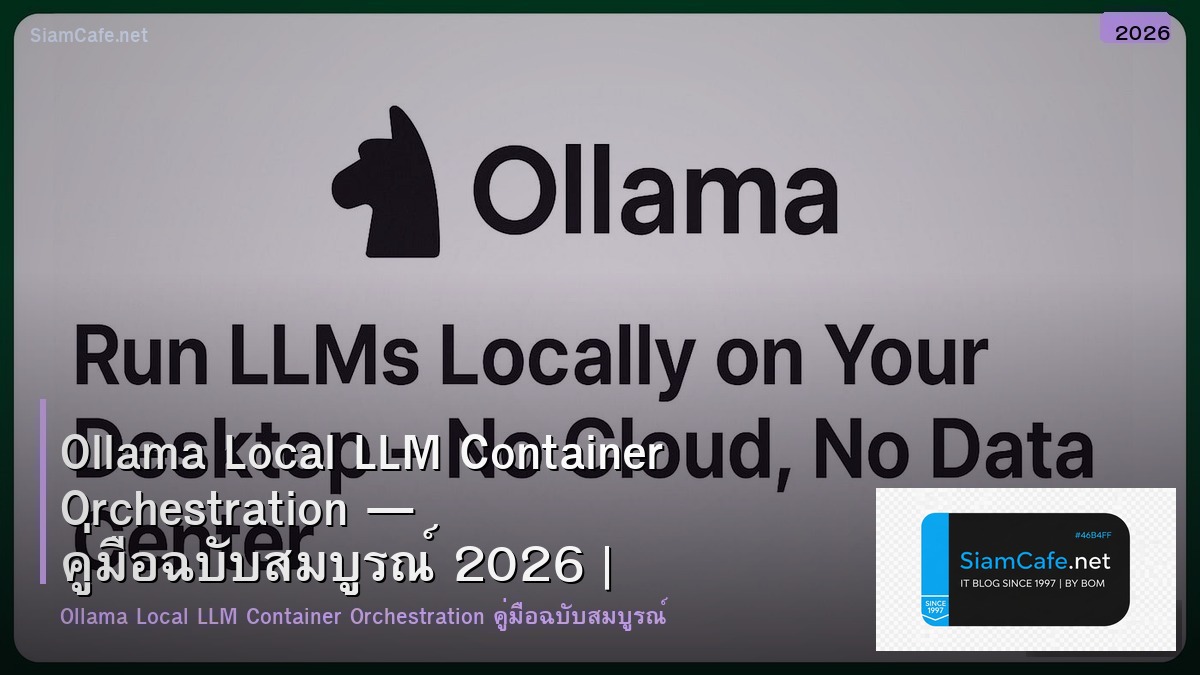
Ollama Container Orchestration

Ollama Local LLM Llama Mistral Gemma Docker Kubernetes Container GPU Scheduling Auto-scaling REST API Privacy Open Source NVIDIA
| Tool | ใช้เมื่อ | Scale | Complexity |
|---|---|---|---|
| Ollama (Bare) | Development, Testing | Single Machine | ต่ำ |
| Docker Compose | Small Team | Single Host Multi-container | ต่ำ |
| Kubernetes | Production | Multi-node Cluster | สูง |
| vLLM | High Throughput API | Enterprise | สูง |
Docker Deployment
=== Ollama Docker Setup ===
Basic Docker Run
docker run -d \
--gpus all \
-v ollama:/root/.ollama \
-p 11434:11434 \
--name ollama \
ollama/ollama
Pull and Run Model
docker exec -it ollama ollama pull llama3:8b
docker exec -it ollama ollama pull mistral:7b
docker exec -it ollama ollama pull codellama:13b
Docker Compose with Multiple Models
version: '3.8'
services:
ollama:
image: ollama/ollama:latest
deploy:
resources:
reservations:
devices:
- driver: nvidia
count: all
capabilities: [gpu]
volumes:
- ollama_data:/root/.ollama
ports:
- "11434:11434"
restart: always
healthcheck:
test: ["CMD", "curl", "-f", "http://localhost:11434/"]
interval: 30s
timeout: 10s
retries: 3
ollama-webui:
image: ghcr.io/open-webui/open-webui:main
ports:
- "3000:8080"
environment:
- OLLAMA_BASE_URL=http://ollama:11434
depends_on:
- ollama
volumes:
- webui_data:/app/backend/data
nginx:
image: nginx:alpine
ports:
- "443:443"
volumes:
- ./nginx.conf:/etc/nginx/nginx.conf
- ./certs:/etc/nginx/certs
depends_on:
- ollama
volumes:
ollama_data:
webui_data:
API Usage
curl http://localhost:11434/api/generate -d '{"model": "llama3:8b",
"prompt": "Explain Docker in 3 sentences",
"stream": false
}'
from dataclasses import dataclass
from typing import List
@dataclass
class OllamaModel:
name: str
size_gb: float
params: str
vram_gb: float
speed_tokens_s: float
use_case: str
models = [
OllamaModel("llama3:8b", 4.7, "8B", 6, 45, "General Chat, RAG"),
OllamaModel("mistral:7b", 4.1, "7B", 5, 50, "Fast General Purpose"),
OllamaModel("codellama:13b", 7.4, "13B", 10, 30, "Code Generation"),
OllamaModel("gemma2:9b", 5.4, "9B", 7, 40, "Google Model, Multilingual"),
OllamaModel("phi3:mini", 2.3, "3.8B", 3, 65, "Small Fast Efficient"),
OllamaModel("llama3:70b-q4", 40, "70B", 48, 10, "High Quality Large"),
]
Kubernetes Deployment
=== Kubernetes GPU Deployment ===
Install NVIDIA GPU Operator
helm repo add nvidia https://helm.ngc.nvidia.com/nvidia
helm install gpu-operator nvidia/gpu-operator \--namespace gpu-operator --create-namespace
Ollama Deployment
apiVersion: apps/v1
kind: Deployment
metadata:
name: ollama
namespace: llm
spec:
replicas: 2
selector:
matchLabels:
app: ollama
template:
metadata:
labels:
app: ollama
spec:
containers:

- name: ollama
image: ollama/ollama:latest
ports:
- containerPort: 11434
resources:
requests:
memory: "8Gi"
cpu: "2"
nvidia.com/gpu: "1"
limits:
memory: "16Gi"
cpu: "4"
nvidia.com/gpu: "1"
volumeMounts:
- name: ollama-data
mountPath: /root/.ollama
readinessProbe:
httpGet:
path: /
port: 11434
initialDelaySeconds: 30
periodSeconds: 10
livenessProbe:
httpGet:
path: /
port: 11434
initialDelaySeconds: 60
periodSeconds: 30
volumes:
- name: ollama-data
persistentVolumeClaim:
claimName: ollama-pvc
---
apiVersion: v1
kind: Service
metadata:
name: ollama-svc
namespace: llm
spec:
selector:
app: ollama
ports:
- port: 11434
targetPort: 11434
type: ClusterIP
---
apiVersion: autoscaling/v2
kind: HorizontalPodAutoscaler
metadata:
name: ollama-hpa
namespace: llm
spec:
scaleTargetRef:
apiVersion: apps/v1
kind: Deployment
name: ollama
minReplicas: 1
maxReplicas: 4
metrics:
- type: Resource
resource:
name: cpu
target:
type: Utilization
averageUtilization: 70
@dataclass
class K8sNode:
name: str
gpu: str
gpu_count: int
vram_gb: int
pods_running: int
gpu_utilization: float
nodes = [
K8sNode("gpu-node-01", "A100", 2, 80, 3, 72),
K8sNode("gpu-node-02", "A100", 2, 80, 2, 55),
K8sNode("gpu-node-03", "RTX 4090", 4, 24, 4, 85),
]
Monitoring และ Optimization
=== Monitoring & Performance ===
Prometheus Metrics
ollama_request_duration_seconds
ollama_tokens_generated_total
ollama_model_load_duration_seconds
nvidia_gpu_utilization_percentage
nvidia_gpu_memory_used_bytes
Python Client
import requests
class OllamaClient:
self.base_url = base_url
response = requests.post(f"{self.base_url}/api/generate", json={
"model": model, "prompt": prompt, "stream": stream,
})
return response.json()
response = requests.post(f"{self.base_url}/api/chat", json={
"model": model, "messages": messages, "stream": stream,
})
return response.json()
return requests.get(f"{self.base_url}/api/tags").json()
return requests.post(f"{self.base_url}/api/pull",
json={"name": model})
optimization = {
"Quantization": "ใช้ Q4_K_M ลด VRAM 50-60% คุณภาพลดเล็กน้อย",
"Context Length": "ลด Context Length ถ้าไม่ต้องการยาว ลด VRAM",
"Batch Size": "เพิ่ม Batch Size ถ้ามี VRAM เพียงพอ เพิ่ม Throughput",
"Model Caching": "Keep Model ใน Memory ไม่ต้อง Load ใหม่ทุกครั้ง",
"GPU Affinity": "Pin Pod กับ GPU เฉพาะ ลด Scheduling Overhead",
"Preload Models": "Preload Models ตอน Container Start",
}
for tip, desc in optimization.items():
Cost Comparison
costs = {
"Ollama Self-hosted (RTX 4090)": {"monthly": "$50 (electricity)", "per_1k": "$0.001"},
"Ollama Cloud GPU (A100)": {"monthly": "$800-1500", "per_1k": "$0.01"},
"OpenAI GPT-4o-mini": {"monthly": "Pay-per-use", "per_1k": "$0.15"},
"OpenAI GPT-4o": {"monthly": "Pay-per-use", "per_1k": "$2.50"},
"Anthropic Claude Sonnet": {"monthly": "Pay-per-use", "per_1k": "$3.00"},
}
for provider, cost in costs.items():
เคล็ดลับ
- Quantize: ใช้ Q4 Quantization ลด VRAM คุณภาพยังดี
- Health Check: ตั้ง Health Check ทุก Container ตรวจ API Response
- GPU Operator: ใช้ NVIDIA GPU Operator บน K8s จัดการ GPU อัตโนมัติ
- Preload: Preload Model ที่ใช้บ่อยตอน Container Start
- Monitor: ดู GPU Utilization และ VRAM ตลอด ป้องกัน OOM
Ollama คืออะไร
รัน LLM Local Llama Mistral Gemma ติดตั้งง่าย REST API GPU NVIDIA Apple Silicon ฟรี Open Source Privacy
ทำไมต้อง Containerize Ollama
Deploy ง่าย Reproducible Scale Kubernetes Isolate GPU Resource Management Health Check Rolling Update CI/CD
GPU Scheduling บน Kubernetes ทำอย่างไร
NVIDIA GPU Operator Label Node Resource Requests Limits nvidia.com/gpu Scheduler จัดสรร Pod Time-slicing แชร์ GPU
Ollama กับ vLLM ต่างกันอย่างไร
Ollama ง่าย Dev Small-scale vLLM Production Performance Continuous Batching PagedAttention Throughput สูง Enterprise ตามขนาดงาน
สรุป
Ollama Local LLM Docker Kubernetes Container GPU Scheduling NVIDIA Auto-scaling HPA REST API Quantization Health Check Monitoring vLLM Cost Optimization Production Deployment