Netlify Edge Metric Collection — เก็บ Metrics จาก Edge Network
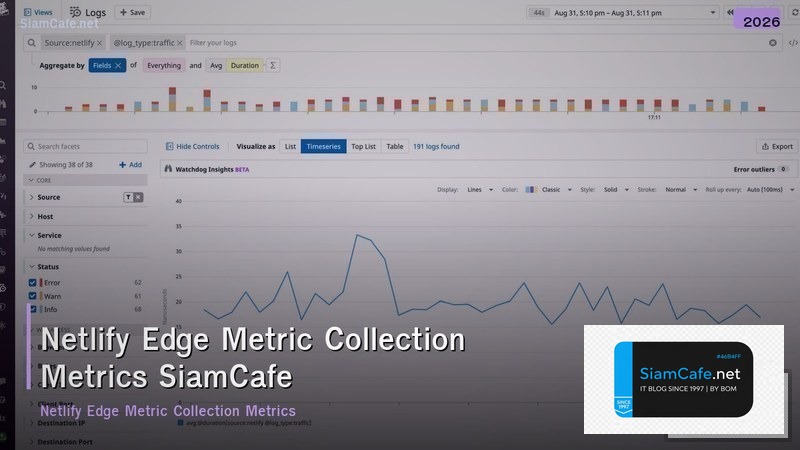

Netlify Edge Metrics

Netlify Edge CDN Edge Functions Metrics Analytics Performance Monitoring Core Web Vitals Cache Optimization
| Metric | Source | Target | Tool |
|---|---|---|---|
| TTFB | Edge Server | < 200ms | Netlify Analytics, RUM |
| Cache Hit Ratio | CDN Logs | > 90% | Log Drains, Netlify API |
| Edge Function Duration | Function Logs | < 50ms | Netlify Dashboard |
| LCP | Browser (RUM) | < 2.5s | web-vitals, Lighthouse |
| Error Rate | Access Logs | < 0.1% | Log Drains → Datadog |
| Bandwidth | CDN | ตาม Plan | Netlify Dashboard |
Edge Functions & Logging
// === Netlify Edge Function with Metrics ===

// netlify/edge-functions/metrics.ts
// import type { Context } from "https://edge.netlify.com";
//
// export default async (request: Request, context: Context) => {
// const start = Date.now();
// const url = new URL(request.url);
// const geo = context.geo;
//
// // Get response from origin
// const response = await context.next();
// const duration = Date.now() - start;
//
// // Log metrics
// console.log(JSON.stringify({
// timestamp: new Date().toISOString(),
// path: url.pathname,
// method: request.method,
// status: response.status,
// duration_ms: duration,
// country: geo.country?.code || "unknown",
// city: geo.city || "unknown",
// user_agent: request.headers.get("user-agent"),
// cache_status: response.headers.get("x-nf-request-id") ? "HIT" : "MISS",
// }));
//
// // Add custom headers
// response.headers.set("X-Response-Time", `ms`);
// response.headers.set("X-Edge-Location", geo.country?.code || "unknown");
//
// return response;
// };
//
// // Edge function config
// export const config = { path: "/*" };

// netlify.toml config
// [[edge_functions]]
// function = "metrics"
// path = "/*"
//
// [build]
// command = "npm run build"
// publish = "dist"
//
// [[headers]]
// for = "/assets/*"
// [headers.values]
// Cache-Control = "public, max-age=31536000, immutable"
//
// [[headers]]
// for = "/*.html"
// [headers.values]
// Cache-Control = "public, max-age=0, must-revalidate"

console.log("=== Edge Function Metrics ===");
console.log(" Logs: JSON structured to console.log");
console.log(" Fields: path, method, status, duration_ms, country, cache");
console.log(" Drain: Netlify Log Drains → Datadog/S3");
เคล็ดลับ
- Cache: ตั้ง Cache Headers ถูกต้อง immutable สำหรับ Hashed Assets
- Edge: ใช้ Edge Functions สำหรับ Personalization Geolocation
- RUM: ใช้ web-vitals วัด Core Web Vitals จาก Browser จริง
- Log Drain: ส่ง Log ไป Datadog S3 สำหรับ Analysis
- Build: ลด Build Time ด้วย Cache Dependencies Incremental Build
การนำไปใช้งานจริงในองค์กร

สำหรับองค์กรขนาดกลางถึงใหญ่ แนะนำให้ใช้หลัก Three-Tier Architecture คือ Core Layer ที่เป็นแกนกลางของระบบ Distribution Layer ที่ทำหน้าที่กระจาย Traffic และ Access Layer ที่เชื่อมต่อกับผู้ใช้โดยตรง การแบ่ง Layer ชัดเจนช่วยให้การ Troubleshoot ง่ายขึ้นและสามารถ Scale ระบบได้ตามความต้องการ
เรื่อง Network Security ก็สำคัญไม่แพ้กัน ควรติดตั้ง Next-Generation Firewall ที่สามารถ Deep Packet Inspection ได้ ใช้ Network Segmentation แยก VLAN สำหรับแต่ละแผนก ติดตั้ง IDS/IPS เพื่อตรวจจับการโจมตี และทำ Regular Security Audit อย่างน้อยปีละ 2 ครั้ง
Netlify Edge คืออะไร
CDN Edge Computing Edge Functions Deno Runtime A/B Testing Personalization Geolocation Cache HTTP/2 HTTP/3 Brotli Global Network
Metric อะไรที่ต้องเก็บ
TTFB LCP FCP CLS Core Web Vitals Bandwidth Cache Hit Ratio Edge Function Duration Error Rate Geographic Build Time Deploy
เก็บ Metric อย่างไร
Netlify Analytics Server-side Log Drains Datadog S3 API REST Edge Function Custom Log RUM web-vitals Google Analytics Synthetic Checkly
Optimize อย่างไร
Cache Headers immutable Image Optimization Minify Preload Code Splitting Edge Redirect Bundle Size Tree Shaking Lazy Loading Custom Headers
สรุป
Netlify Edge Metric Collection CDN Edge Functions Analytics Cache Hit Ratio Core Web Vitals Log Drains RUM Optimization Production