ai

Mintlify Docs กับ Real-time Processing —

Mintlify Documentation Platform
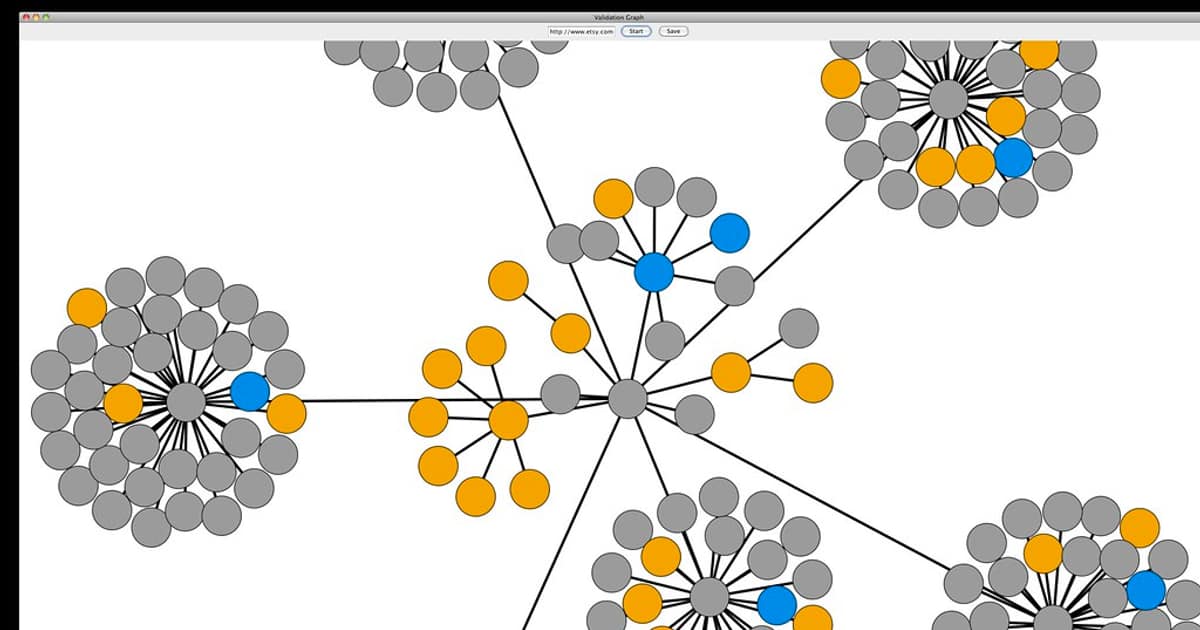
Mintlify เป็นแพลตฟอร์มสร้าง Documentation ยุคใหม่ที่ออกแบบมาให้สวยงามและใช้งานง่าย เขียนด้วย MDX ซึ่งเป็น Markdown ที่รองรับ JSX Components ทำให้สร้าง Interactive Documentation ได้
สำหรับระบบ Real-time Processing ที่มีความซับซ้อนสูง Documentation ที่ดีช่วยให้ทีมเข้าใจ Architecture, API, Data Flow และ Configuration ได้เร็วขึ้น Mintlify มี Components ที่เหมาะสำหรับ Technical Documentation โดยเฉพาะ
Mintlify Setup และ Configuration
# === Mintlify Setup ===

# 1. ติดตั้ง CLI
npm install -g mintlify

# 2. สร้างโปรเจค
npx mintlify init

# 3. โครงสร้างไฟล์
# docs/
# ├── mint.json              # Configuration
# ├── introduction.mdx       # หน้าแรก
# ├── quickstart.mdx         # Getting Started
# ├── architecture/
# │   ├── overview.mdx       # Architecture Overview
# │   ├── data-flow.mdx      # Data Flow Diagram
# │   └── components.mdx     # System Components
# ├── api-reference/
# │   ├── streams.mdx        # Stream API
# │   ├── events.mdx         # Event API
# │   └── websocket.mdx      # WebSocket API
# ├── guides/
# │   ├── kafka-setup.mdx    # Kafka Setup Guide
# │   ├── flink-jobs.mdx     # Flink Job Guide
# │   └── monitoring.mdx     # Monitoring Guide
# └── openapi.yaml           # OpenAPI Spec

# 4. mint.json Configuration
cat > mint.json << 'EOF'
{
  "$schema": "https://mintlify.com/schema.json",
  "name": "Real-time Processing Platform",
  "logo": {
    "dark": "/logo/dark.svg",
    "light": "/logo/light.svg"
  },
  "favicon": "/favicon.svg",
  "colors": {
    "primary": "#0D9373",
    "light": "#07C983",
    "dark": "#0D9373",
    "anchors": {
      "from": "#0D9373",
      "to": "#07C983"
    }
  },
  "topbarLinks": [
    {"name": "Support", "url": "mailto:support@example.com"}
  ],
  "topbarCtaButton": {
    "name": "Dashboard",
    "url": "https://dashboard.example.com"
  },
  "tabs": [
    {"name": "API Reference", "url": "api-reference"},
    {"name": "Guides", "url": "guides"}
  ],
  "navigation": [
    {
      "group": "Getting Started",
      "pages": ["introduction", "quickstart"]
    },
    {
      "group": "Architecture",
      "pages": [
        "architecture/overview",
        "architecture/data-flow",
        "architecture/components"
      ]
    },
    {
      "group": "API Reference",
      "pages": [
        "api-reference/streams",
        "api-reference/events",
        "api-reference/websocket"
      ]
    },
    {
      "group": "Guides",
      "pages": [
        "guides/kafka-setup",
        "guides/flink-jobs",
        "guides/monitoring"
      ]
    }
  ],
  "footerSocials": {
    "github": "https://github.com/example"
  },
  "openapi": "openapi.yaml",
  "api": {
    "baseUrl": "https://api.example.com",
    "auth": {
      "method": "bearer"
    }
  }
}
EOF

# 5. Preview
npx mintlify dev

# 6. Deploy (Auto via GitHub)
git add . && git commit -m "Update docs" && git push
MDX Documentation สำหรับ Real-time System
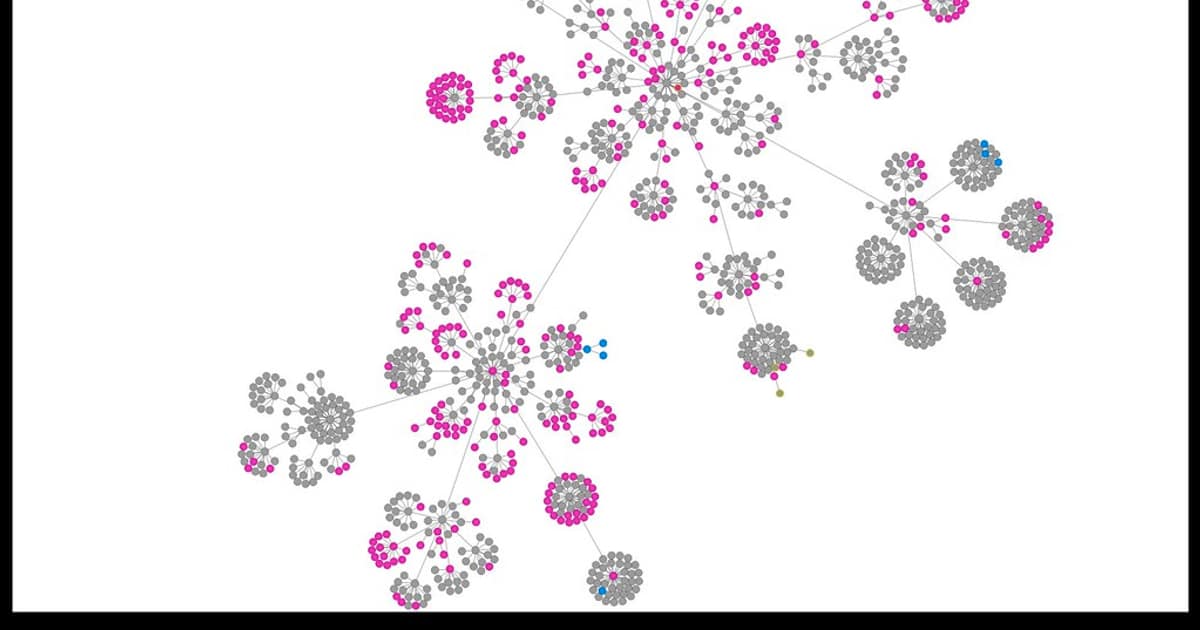
# === ตัวอย่าง MDX Files สำหรับ Real-time Processing Docs ===

# --- architecture/overview.mdx ---
# ---
# title: "Architecture Overview"
# description: "ภาพรวมสถาปัตยกรรมระบบ Real-time Processing"
# ---
#
# ## System Architecture
#
# ระบบ Real-time Processing ประกอบด้วย Components หลักดังนี้
#
# ```mermaid
# graph LR
#   A[Producers] --> B[Kafka]
#   B --> C[Flink Jobs]
#   C --> D[Output Topics]
#   D --> E[Consumers]
#   C --> F[State Store]
#   B --> G[Monitoring]
# ```
#
#
#
#     Message Broker รับ Events จาก Producers
#     กระจายไปยัง Consumers
#
#
#     Stream Processing Engine
#     ประมวลผล Events แบบ Real-time
#
#
#     ติดตาม Metrics, Latency
#     Alert เมื่อเกิดปัญหา
#
#
#
# ## Data Flow
#
#
#
#     Producers ส่ง Events ไปยัง Kafka Topics
#     รองรับ 100K+ events/second
#
#
#     Flink Jobs อ่าน Events จาก Kafka
#     ทำ Transformation, Aggregation, Windowing
#
#
#     ผลลัพธ์ถูกส่งไปยัง Output Topics
#     หรือเขียนลง Database/Data Lake
#
#

# --- api-reference/streams.mdx ---
# ---
# title: "Stream API"
# api: "POST /v1/streams"
# description: "สร้างและจัดการ Data Streams"
# ---
#
# ## Create Stream
#
#
#   ชื่อ Stream
#
#
#
#   จำนวน Partitions
#
#
#
#   ระยะเวลาเก็บข้อมูล (ชั่วโมง)
#
#
#
# ```bash
# curl -X POST https://api.example.com/v1/streams \
#   -H "Authorization: Bearer TOKEN" \
#   -H "Content-Type: application/json" \
#   -d '{
#     "name": "user-events",
#     "partitions": 12,
#     "retention_hours": 168
#   }'
# ```
#
#
#
# ```json
# {
#   "id": "stream_abc123",
#   "name": "user-events",
#   "partitions": 12,
#   "retention_hours": 168,
#   "status": "active",
#   "created_at": "2024-01-15T10:30:00Z"
# }
# ```
#

# --- api-reference/websocket.mdx ---
# ---
# title: "WebSocket API"
# description: "Real-time Data Subscription ผ่าน WebSocket"
# ---
#
# ## Connection
#
# ```javascript
# const ws = new WebSocket('wss://api.example.com/v1/ws');
#
# ws.onopen = () => {
#   ws.send(JSON.stringify({
#     action: 'subscribe',
#     stream: 'user-events',
#     filter: { event_type: 'purchase' }
#   }));
# };
#
# ws.onmessage = (event) => {
#   const data = JSON.parse(event.data);
#   console.log('Received:', data);
# };
# ```
#
#
#
#     ```javascript
#     // Browser WebSocket Client
#     const ws = new WebSocket('wss://api.example.com/v1/ws');
#     ```
#
#
#     ```python
#     import websockets
#     async with websockets.connect('wss://api.example.com/v1/ws') as ws:
#         await ws.send('{"action": "subscribe", "stream": "events"}')
#     ```
#
#
OpenAPI Spec สำหรับ Real-time API
# openapi.yaml — OpenAPI Spec สำหรับ Real-time Processing API
openapi: 3.0.3
info:
  title: Real-time Processing API
  version: 1.0.0
  description: API สำหรับจัดการ Real-time Data Streams
servers:
  - url: https://api.example.com
    description: Production
  - url: https://staging-api.example.com
    description: Staging

security:
  - BearerAuth: []

paths:
  /v1/streams:
    get:
      summary: List Streams
      operationId: listStreams
      tags: [Streams]
      parameters:
        - name: status
          in: query
          schema:
            type: string
            enum: [active, paused, deleted]
      responses:
        '200':
          description: Success
          content:
            application/json:
              schema:
                type: object
                properties:
                  data:
                    type: array
                    items:
                      $ref: '#/components/schemas/Stream'

    post:
      summary: Create Stream
      operationId: createStream
      tags: [Streams]
      requestBody:
        required: true
        content:
          application/json:
            schema:
              type: object
              required: [name]
              properties:
                name:
                  type: string
                partitions:
                  type: integer
                  default: 6
                retention_hours:
                  type: integer
                  default: 168
      responses:
        '201':
          description: Created

  /v1/events:
    post:
      summary: Publish Events
      operationId: publishEvents
      tags: [Events]
      requestBody:
        required: true
        content:
          application/json:
            schema:
              type: object
              required: [stream, events]
              properties:
                stream:
                  type: string
                events:
                  type: array
                  items:
                    type: object
      responses:
        '202':
          description: Accepted

components:
  schemas:
    Stream:
      type: object
      properties:
        id:
          type: string
        name:
          type: string
        partitions:
          type: integer
        status:
          type: string
        created_at:
          type: string
          format: date-time

  securitySchemes:
    BearerAuth:
      type: http
      scheme: bearer
Best Practices
- MDX Components: ใช้ Cards, Tabs, Steps, Accordions ทำ Docs อ่านง่าย
- OpenAPI Integration: ใช้ OpenAPI Spec สร้าง API Reference อัตโนมัติ
- Code Examples: ให้ตัวอย่าง Code หลายภาษา (JavaScript, Python, cURL)
- Diagrams: ใช้ Mermaid Diagrams แสดง Architecture และ Data Flow
- Versioning: ใช้ Git Branches สำหรับ Doc Versions (v1, v2)
- Search: Mintlify มี Built-in Search ช่วยให้หาข้อมูลเร็ว
Mintlify คืออะไร
แพลตฟอร์มสร้าง Documentation ที่สวยงาม เขียนด้วย MDX มี Built-in Components สำหรับ API Reference Code Blocks Tabs รองรับ Search Analytics Versioning Deploy อัตโนมัติจาก GitHub