Computer Vision YOLO Monitoring และ Alerting —
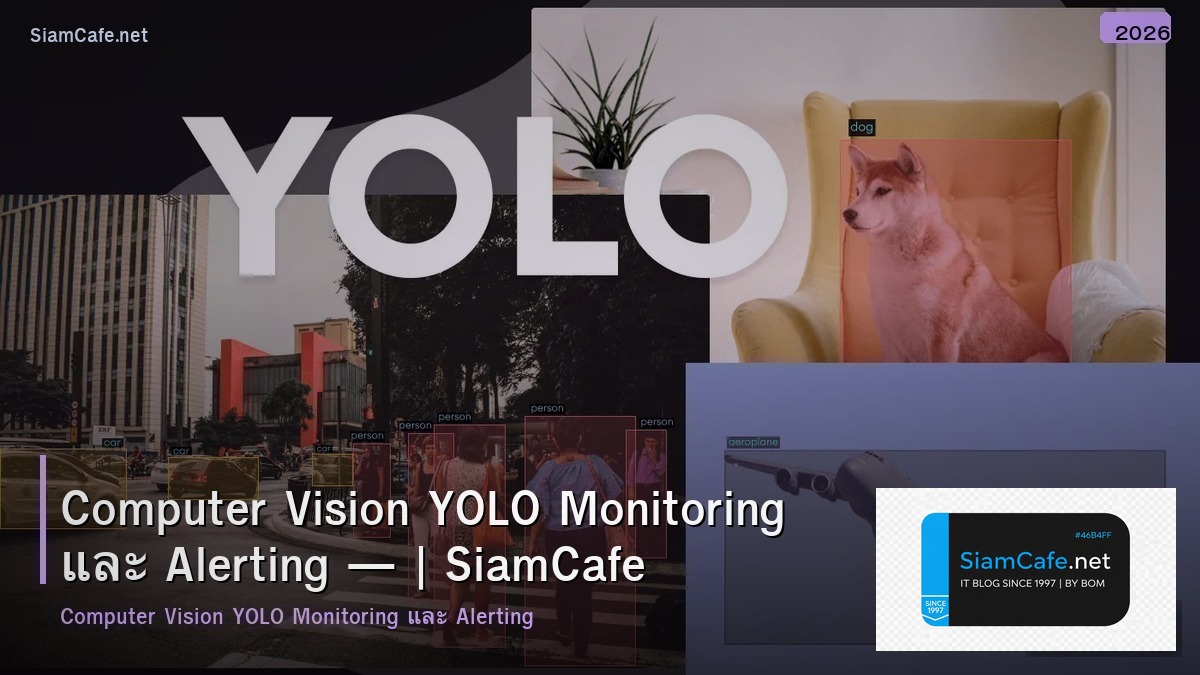
YOLO Monitoring
YOLO Computer Vision Object Detection Real-time Monitoring Alerting YOLOv8 Ultralytics IP Camera RTSP Stream Line Notify Slack Dashboard Grafana Security Safety
| YOLO Version | mAP | Speed (FPS) | Size | เหมาะกับ |
|---|---|---|---|---|
| YOLOv8n (Nano) | 37.3 | 100+ | 6MB | Edge Device |
| YOLOv8s (Small) | 44.9 | 80+ | 22MB | Balanced |
| YOLOv8m (Medium) | 50.2 | 50+ | 52MB | Accuracy |
| YOLOv8l (Large) | 52.9 | 30+ | 87MB | High Accuracy |
YOLOv8 Setup
=== YOLOv8 Object Detection ===
อ่านเพิ่ม: MLOps Pipeline Tech Conference 2026 — สร้าง ML Pipeline สำหร · อ่านเพิ่ม: Helm Chart Template RBAC ABAC Policy — คู่มือฉบับสมบูรณ์ 202 · อ่านเพิ่ม: Helm Chart Template SaaS Architecture — คู่มือฉบับสมบูรณ์ 20
pip install ultralytics opencv-pythonfrom ultralytics import YOLO
import cv2
# Load model
model = YOLO("yolov8n.pt") # nano model for speed
# Detect from image
results = model("image.jpg")
results[0].show()
# Detect from video/camera
cap = cv2.VideoCapture("rtsp://camera-ip:554/stream")
while cap.isOpened():
ret, frame = cap.read()
if not ret: break
results = model(frame, conf=0.5)
annotated = results[0].plot()
# Check for specific detections
cls = int(box.cls[0])
conf = float(box.conf[0])
label = model.names[cls]
if label == "person" and conf > 0.7:
send_alert(frame, label, conf)
cv2.imshow("YOLO Monitor", annotated)
if cv2.waitKey(1) & 0xFF == ord('q'): break
Train Custom Model
yolo train model=yolov8n.pt data=custom.yaml epochs=100 imgsz=640
# custom.yaml
# path: /data/dataset
# train: images/train
# val: images/val
# names:
# 0: person
# 1: helmet
# 2: no_helmet
# 3: vest
# 4: no_vest
from dataclasses import dataclass
from typing import List
@dataclass
class Detection:
camera: str
object_class: str
confidence: float
timestamp: str
zone: str
alert_sent: bool
detections = [
Detection("CAM-01 Gate", "person", 0.92, "14:23:15", "Restricted", True),
Detection("CAM-02 Factory", "no_helmet", 0.85, "14:23:18", "Production", True),
Detection("CAM-03 Parking", "car", 0.95, "14:23:20", "Parking", False),
Detection("CAM-01 Gate", "person", 0.88, "14:23:25", "Restricted", True),
Detection("CAM-04 Warehouse", "forklift", 0.91, "14:23:30", "Warehouse", False),
Detection("CAM-02 Factory", "fire", 0.78, "14:23:35", "Production", True),
]
alert = "ALERT" if d.alert_sent else "OK"
Alert System
=== Alert System ===
import requests
import time
from datetime import datetime
class AlertManager:
self.cooldown = {} # {camera_class: last_alert_time}
self.cooldown_sec = 300 # 5 minutes
key = f"{camera}_{cls}"
now = time.time()
if key in self.cooldown:
if now - self.cooldown[key] < self.cooldown_sec:
return False
self.cooldown[key] = now
return True
url = "https://notify-api.line.me/api/notify"
headers = {"Authorization": "Bearer LINE_TOKEN"}
data = {"message": message}
files = {}
if image_path:
files = {"imageFile": open(image_path, "rb")}
requests.post(url, headers=headers, data=data, files=files)
webhook = "https://hooks.slack.com/services/xxx/yyy/zzz"
payload = {"text": message}
if image_url:
payload["attachments"] = [{"image_url": image_url}]
requests.post(webhook, json=payload)
@dataclass
class AlertRule:
name: str
trigger: str
confidence: float
cooldown_min: int
severity: str
channels: str
rules = [
AlertRule("Intrusion Detection", "person in restricted zone", 0.7, 5, "Critical", "Line, Slack, SMS"),
AlertRule("No Helmet", "no_helmet detected", 0.8, 10, "Warning", "Line, Slack"),
AlertRule("Fire Detection", "fire or smoke detected", 0.6, 1, "Critical", "Line, Slack, SMS, Alarm"),
AlertRule("Vehicle Counting", "car count > threshold", 0.7, 30, "Info", "Dashboard"),
AlertRule("Crowd Detection", "person count > 50", 0.7, 15, "Warning", "Line, Slack"),
]
Production Deployment
# === Production Architecture ===


# Docker Compose

# services:

#   yolo-worker:

#     image: ultralytics/ultralytics:latest

#     deploy:

#       resources:

#         reservations:

#           devices:

#             - driver: nvidia

#               count: 1

#               capabilities: [gpu]

#     environment:

#       - CAMERAS=rtsp://cam1:554, rtsp://cam2:554

#       - ALERT_WEBHOOK=https://hooks.slack.com/xxx

#     volumes:

#       - ./models:/models

#       - ./screenshots:/screenshots

#

#   redis:

#     image: redis:7-alpine

#

#   grafana:

#     image: grafana/grafana

#     ports: ["3000:3000"]


# Export for Edge Device

# yolo export model=best.pt format=onnx     # ONNX Runtime

# yolo export model=best.pt format=engine   # TensorRT (NVIDIA)

# yolo export model=best.pt format=tflite   # TensorFlow Lite (Mobile)

# yolo export model=best.pt format=ncnn     # NCNN (Mobile)


metrics = {

    "Cameras Connected": "12",

    "FPS per Camera": "25-30",

    "Detections Today": "1,245",

    "Alerts Sent": "18",

    "False Positive Rate": "3.2%",

    "Model Accuracy (mAP)": "89.5%",

    "GPU Utilization": "65%",

    "Avg Inference Time": "12ms",

    "Uptime": "99.8%",

}


print("Monitoring Dashboard:")

for k, v in metrics.items():

    print(f"  {k}: {v}")


# Best Practices

practices = [

    "ใช้ GPU สำหรับ Inference เร็วกว่า CPU 20-50x",

    "ใช้ TensorRT Export สำหรับ NVIDIA GPU เร็วขึ้น 2-3x",

    "Batch Processing หลายกล้องพร้อมกัน ประหยัด GPU",

    "Cooldown Period ป้องกัน Alert Spam",

    "เก็บ Screenshot เป็นหลักฐาน ลบหลัง 30 วัน",

    "Monitor GPU Temp/Memory ป้องกัน Overheat",

    "A/B Test Model ใหม่กับเก่า ก่อน Deploy",

]


print(f"\n\nBest Practices:")

for i, p in enumerate(practices, 1):

    print(f"  {i}. {p}")
เคล็ดลับ
- GPU: ใช้ GPU + TensorRT สำหรับ Real-time Inference
- Nano: ใช้ YOLOv8n สำหรับ Edge Device เร็ว 100+ FPS
- Cooldown: ตั้ง Cooldown ป้องกัน Alert ซ้ำรัวๆ
- Dataset: เก็บ Dataset จากกล้องจริง Train Model ให้ตรงสถานการณ์
- Dashboard: ใช้ Grafana แสดง Event Timeline และ Metrics
การดูแลระบบในสภาพแวดล้อม Production
การบริหารจัดการระบบ Production ที่ดีต้องมี Monitoring ครอบคลุม ใช้เครื่องมืออย่าง Prometheus + Grafana สำหรับ Metrics Collection และ Dashboard หรือ ELK Stack สำหรับ Log Management ตั้ง Alert ให้แจ้งเตือนเมื่อ CPU เกิน 80% RAM ใกล้เต็ม หรือ Disk Usage สูง
Backup Strategy ต้องวางแผนให้ดี ใช้หลัก 3-2-1 คือ มี Backup อย่างน้อย 3 ชุด เก็บใน Storage 2 ประเภทต่างกัน และ 1 ชุดต้องอยู่ Off-site ทดสอบ Restore Backup เป็นประจำ อย่างน้อยเดือนละครั้ง เพราะ Backup ที่ Restore ไม่ได้ก็เหมือนไม่มี Backup
เรื่อง Security Hardening ต้องทำตั้งแต่เริ่มต้น ปิด Port ที่ไม่จำเป็น ใช้ SSH Key แทน Password ตั้ง Fail2ban ป้องกัน Brute Force อัพเดท Security Patch สม่ำเสมอ และทำ Vulnerability Scanning อย่างน้อยเดือนละครั้ง ใช้หลัก Principle of Least Privilege ให้สิทธิ์น้อยที่สุดที่จำเป็น
YOLO คืออะไร
Object Detection Real-time 30-100+ FPS YOLOv8 Ultralytics กล้องวงจรปิด นับคน อุบัติเหตุ QC Classification Detection Segmentation Pose
ใช้ YOLO กับ Monitoring อย่างไร
IP Camera RTSP YOLO Real-time Alert Line Slack Email SMS Database Dashboard Grafana Screenshot Security Safety หมวก ไฟไหม้
Train YOLO Model อย่างไร
Dataset Label Roboflow LabelImg CVAT Train/Val/Test ultralytics yolo train data.yaml epochs mAP Precision Recall ONNX TensorRT
Alert System ออกแบบอย่างไร
Rule Confidence Threshold 0.7 Cooldown 5 นาที Webhook Line Slack Screenshot Event Log Database Severity Critical Warning Escalation
สรุป
YOLO Computer Vision Object Detection Monitoring Alerting YOLOv8 Real-time IP Camera Alert Line Slack GPU TensorRT Training Dataset Dashboard Grafana Production