it
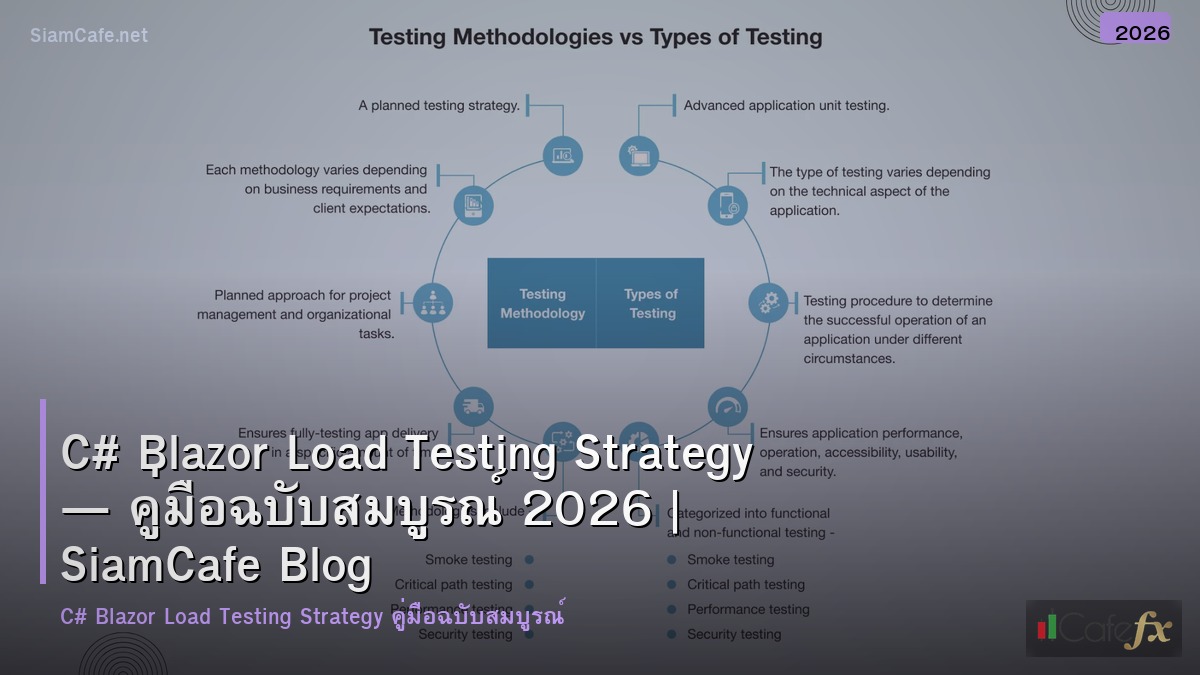
C# Blazor กับ Load Testing Strategy — วิธีทดสอบ

Blazor Load Testing

Blazor Server ใช้ SignalR WebSocket สำหรับ Real-time UI Updates ต้องทดสอบทั้ง WebSocket Connections และ HTTP API Blazor WASM ทดสอบ Backend API และ Initial Load Time
Load Testing Strategy สำหรับ Blazor ครอบคลุม SignalR Connections, API Endpoints, Browser Rendering และ Resource Usage วัดผลด้วย Metrics ที่เหมาะสม
Performance Optimization
// === Blazor Performance Optimization ===


// 1. Virtualize Component สำหรับ Large Lists

// @page "/large-list"

//

// <Virtualize Items="items" Context="item" ItemSize="50">

//     <ItemContent>

//         <div class="item-row">

//             <span>@item.Name</span>

//             <span>@item.Value</span>

//         </div>

//     </ItemContent>

//     <Placeholder>

//         <div class="placeholder-row">Loading...</div>

//     </Placeholder>

// </Virtualize>


// 2. ShouldRender Override

// @code {

//     private string _lastValue;

//

//     protected override bool ShouldRender()

//     {

//         if (CurrentValue == _lastValue) return false;

//         _lastValue = CurrentValue;

//         return true;

//     }

// }


// 3. IMemoryCache สำหรับ Server

// services.AddMemoryCache();

//

// public class UserService

// {

//     private readonly IMemoryCache _cache;

//

//     public async Task<List<User>> GetUsersAsync()

//     {

//         return await _cache.GetOrCreateAsync("users", async entry =>

//         {

//             entry.AbsoluteExpirationRelativeToNow = TimeSpan.FromMinutes(5);

//             return await _dbContext.Users.ToListAsync();

//         });

//     }

// }


// 4. Lazy Assembly Loading (WASM)

// <Router AppAssembly="typeof(App).Assembly"

//     AdditionalAssemblies="lazyAssemblies"

//     OnNavigateAsync="OnNavigateAsync">

// </Router>

//

// @code {

//     private List<Assembly> lazyAssemblies = new();

//

//     private async Task OnNavigateAsync(NavigationContext args)

//     {

//         if (args.Path == "admin")

//         {

//             var assemblies = await LazyAssemblyLoader

//                 .LoadAssembliesAsync(new[] { "AdminModule.wasm" });

//             lazyAssemblies.AddRange(assemblies);

//         }

//     }

// }


// 5. Performance Monitoring Middleware

// app.Use(async (context, next) =>

// {

//     var sw = Stopwatch.StartNew();

//     context.Response.OnStarting(() =>

//     {

//         sw.Stop();

//         context.Response.Headers["X-Response-Time"] = $"{sw.ElapsedMilliseconds}ms";

//         return Task.CompletedTask;

//     });

//     await next();

// });


// Performance Checklist

var checklist = new Dictionary<string, bool>

{

    ["Virtualize large lists"] = true,

    ["ShouldRender optimization"] = true,

    ["IMemoryCache for DB queries"] = true,

    ["Lazy assembly loading (WASM)"] = true,

    ["Pre-rendering enabled"] = true,

    ["Response compression"] = true,

    ["SignalR message size limit"] = true,

    ["CDN for static files"] = true,

};


Console.WriteLine("Performance Checklist:");

foreach (var (item, done) in checklist)

{

    var status = done ? "OK" : "TODO";

    Console.WriteLine($"  [{status}] {item}");

}
Best Practices
- SignalR Limits: ทดสอบ Max Concurrent Connections ก่อน Go-live ตั้ง Connection Limits
- Virtualize: ใช้ Virtualize Component สำหรับ List ที่มีมากกว่า 100 Items
- Caching: ใช้ IMemoryCache ลด Database Queries สำหรับข้อมูลที่ไม่เปลี่ยนบ่อย
- Lazy Loading: ใช้ Lazy Assembly Loading สำหรับ WASM ลด Initial Bundle Size
- Pre-rendering: เปิด Pre-rendering สำหรับ SEO และ First Contentful Paint
- Compression: เปิด Response Compression สำหรับ SignalR Messages
Blazor Load Testing ทำอย่างไร
Blazor Server ทดสอบ SignalR WebSocket และ HTTP ใช้ NBomber SignalR k6 API Playwright Browser วัด Response Time Concurrent Connections Memory CPU